






9 Best NotebookLM Alternatives for Academic Research in 2025
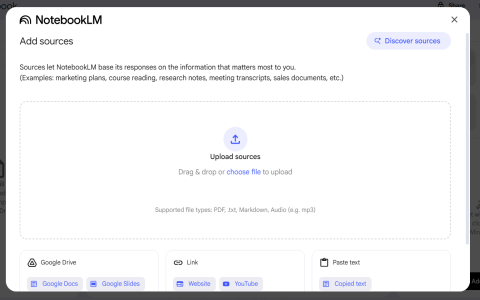
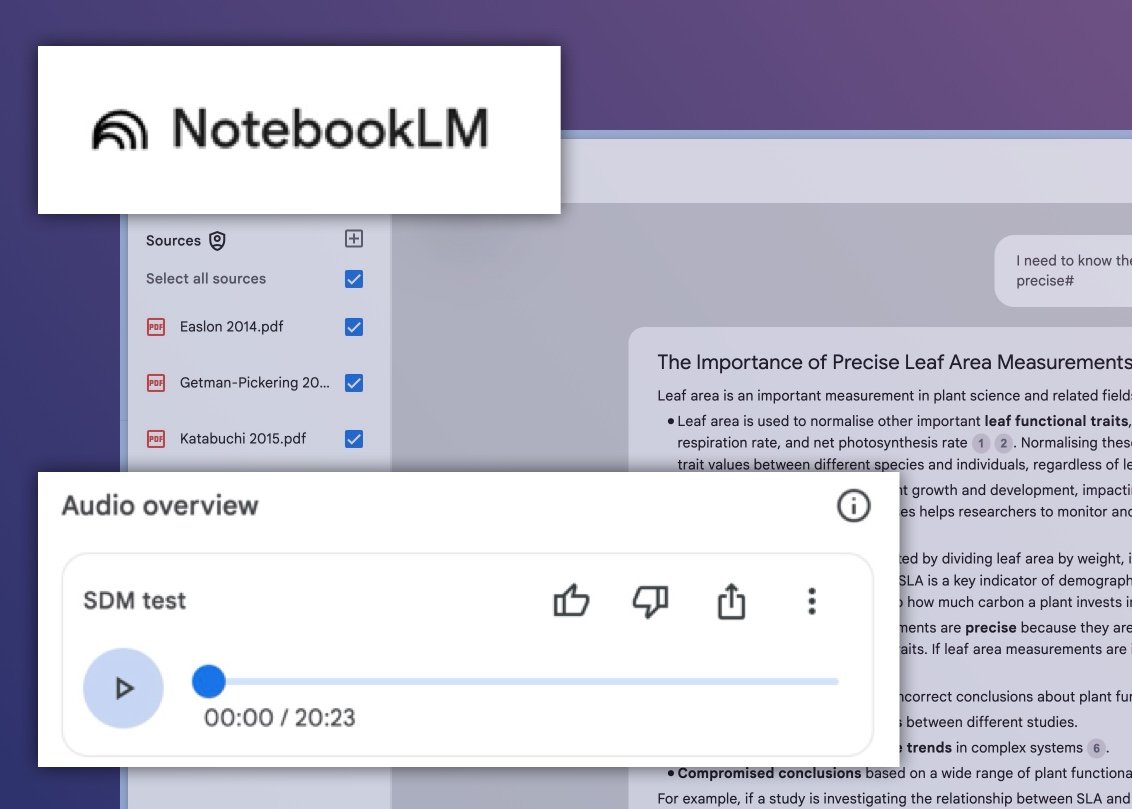
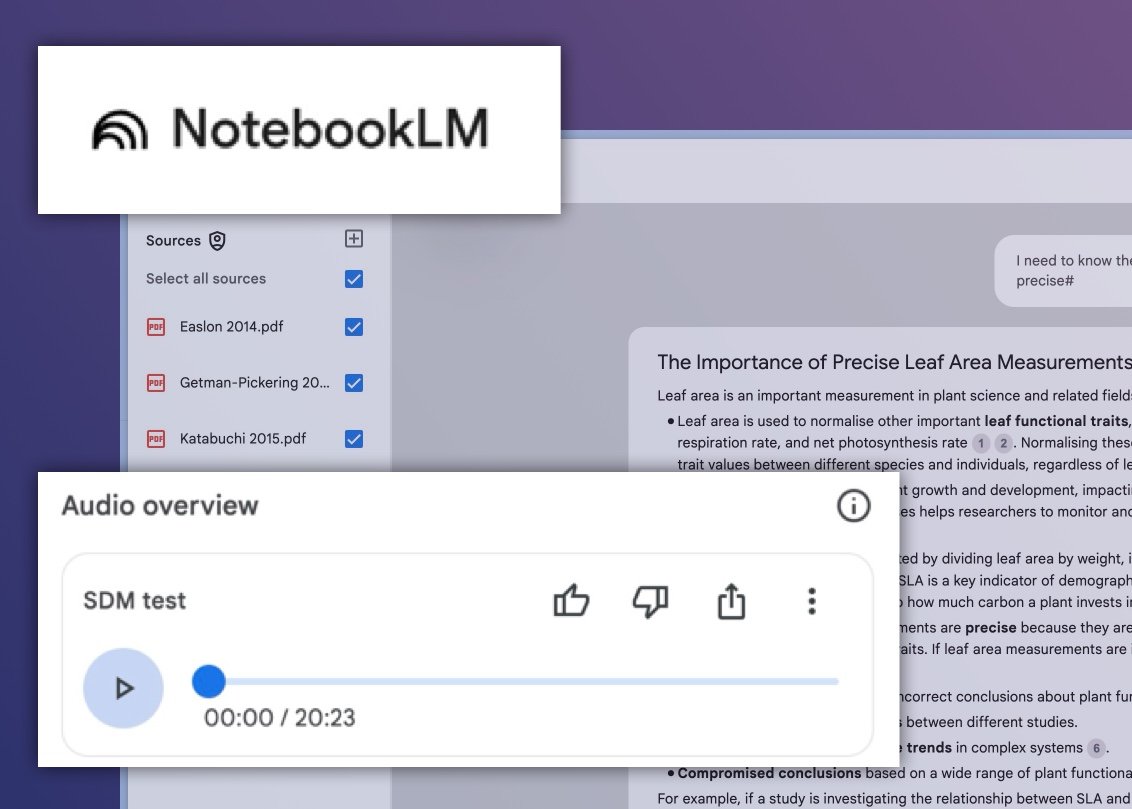
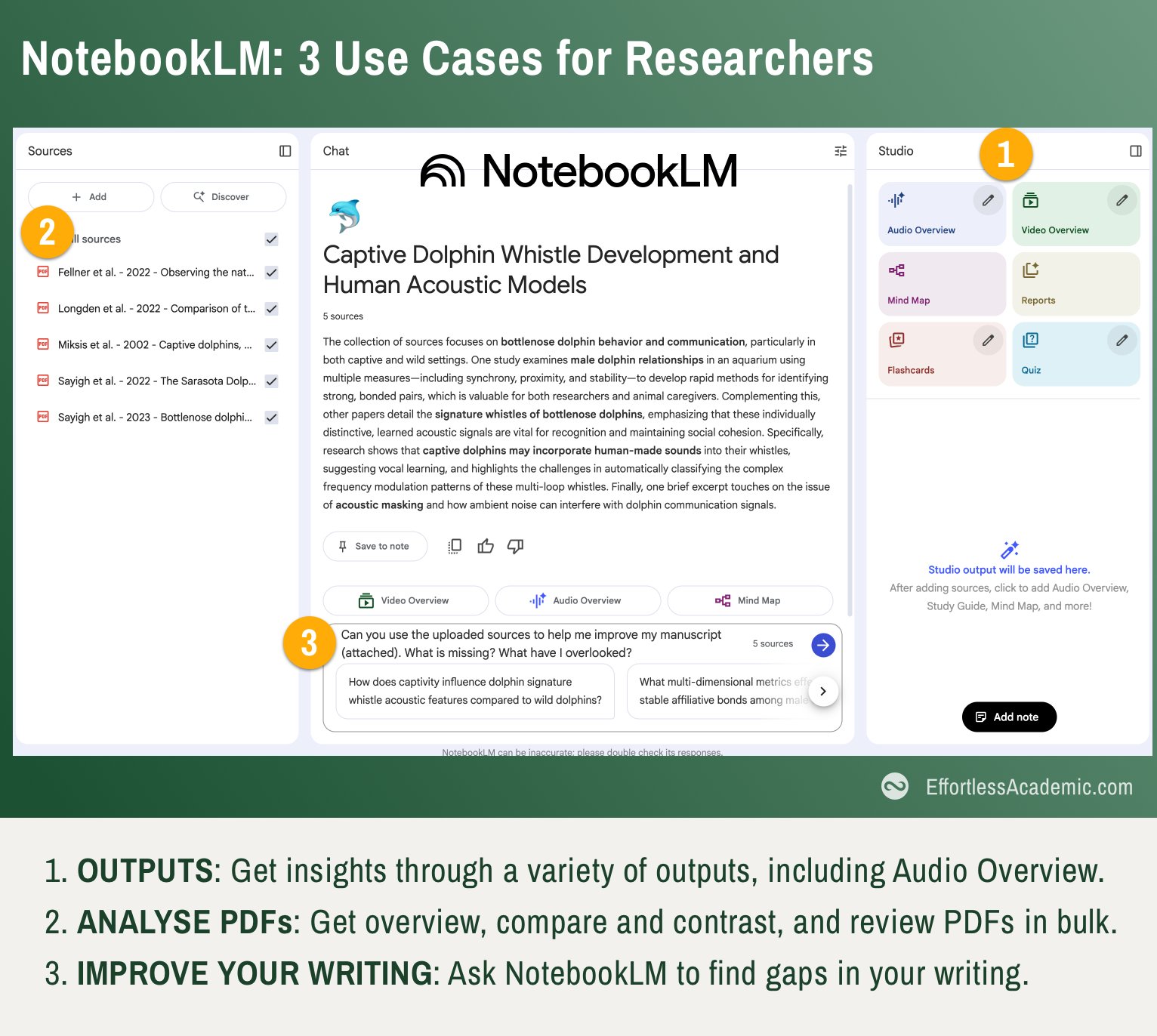
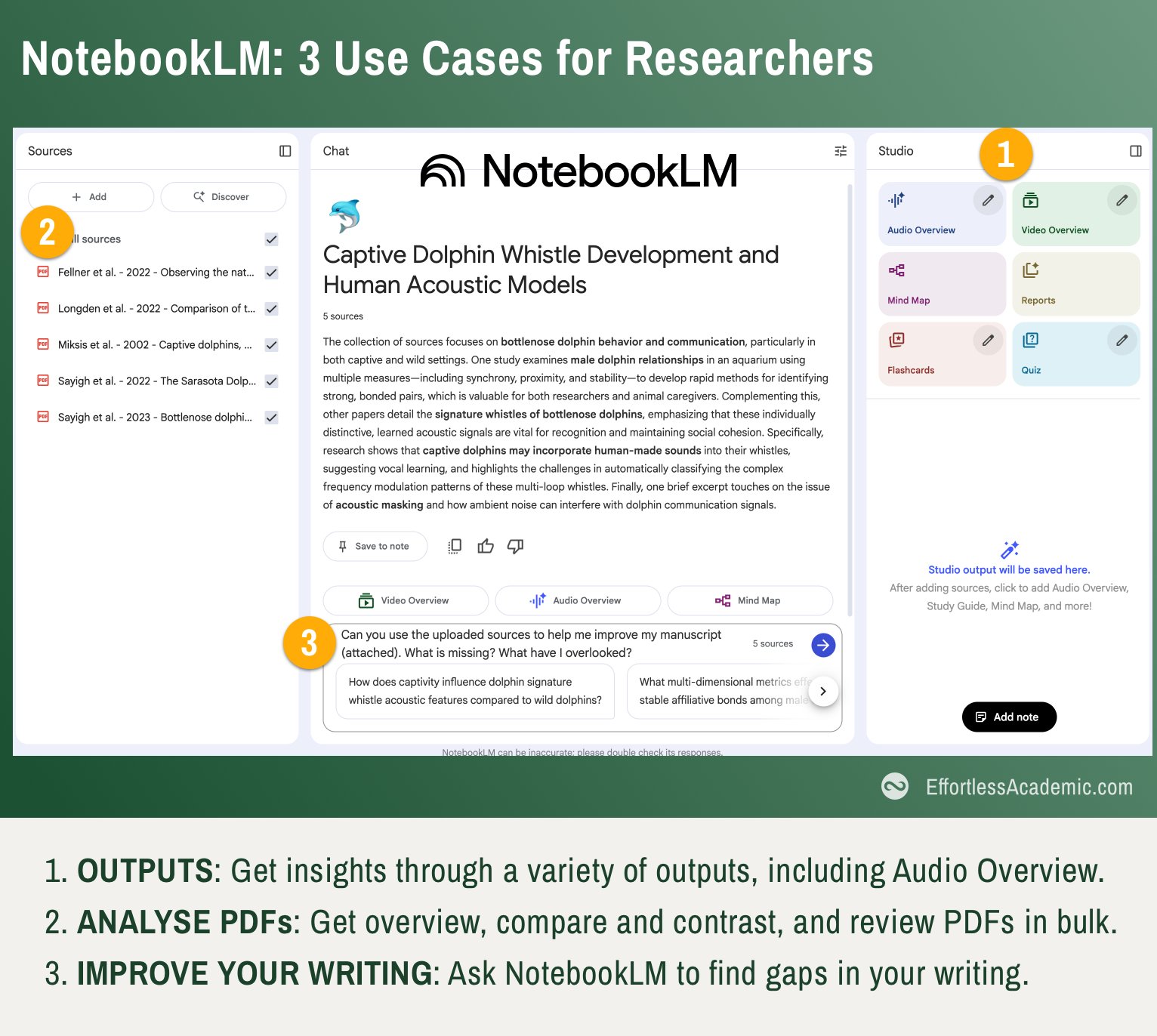
NotebookLM AI has gained popularity for its ability to turn static documents into interactive knowledge bases. Researchers use it to ask questions from their sources, generate summaries, and synthesize content across multiple files—all within a single interface. While NotebookLM excels at contextual Q&A and note generation, it isn’t always the most flexible option. Many users seek alternatives that offer more control over citations, deeper research analysis, or academic-ready outputs.
This blog offers a curated overview of the best NotebookLM alternatives for academic research in 2025. While each tool brings its own strengths, the focus here is on platforms that support core features like multi-document Q&A, citation-backed responses, and research-focused summarization. From free AI platforms to advanced assistants, these tools span use cases from academic writing to productivity-focused note-taking.
What Is NotebookLM and How It Can Enhance Productivity
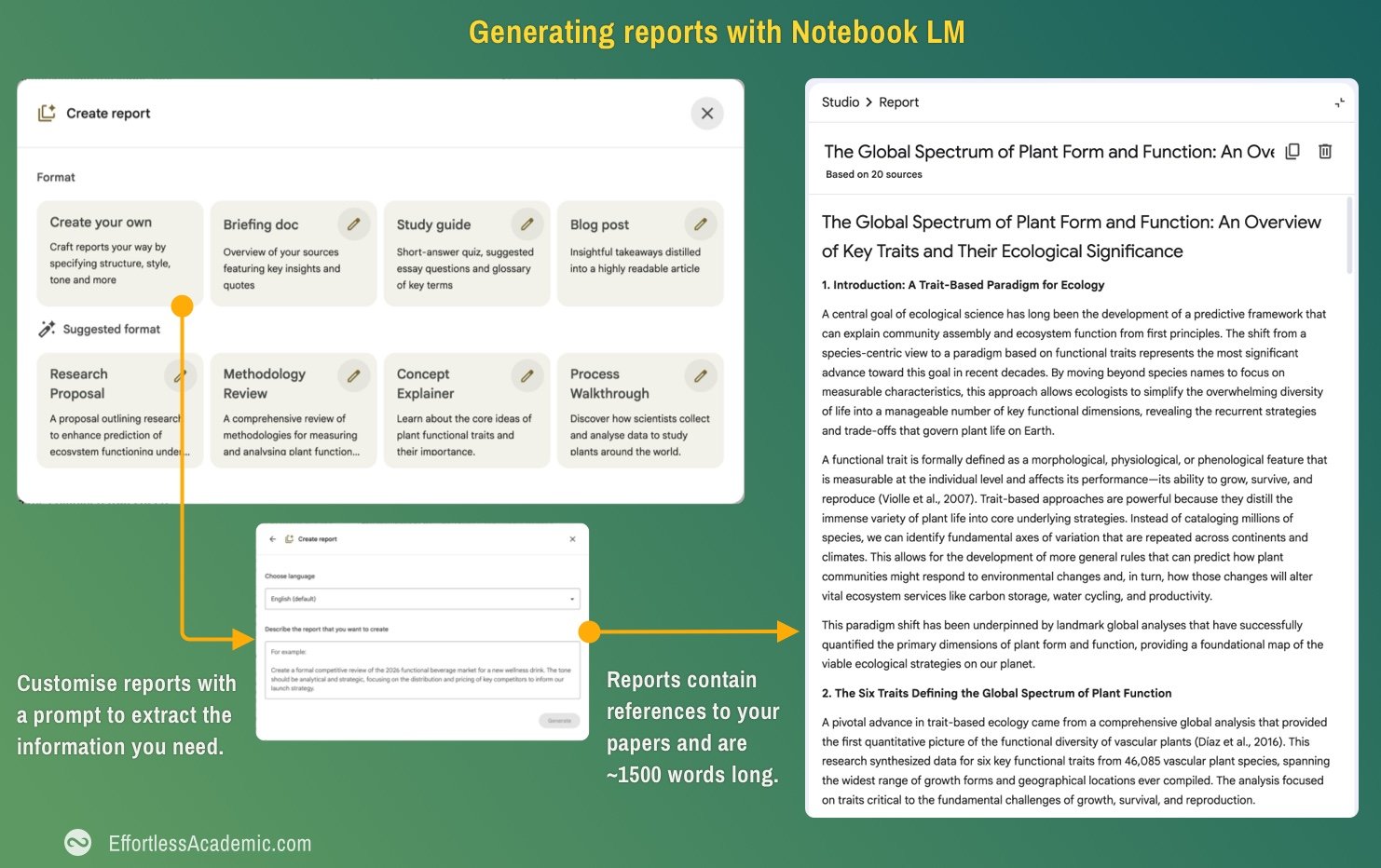
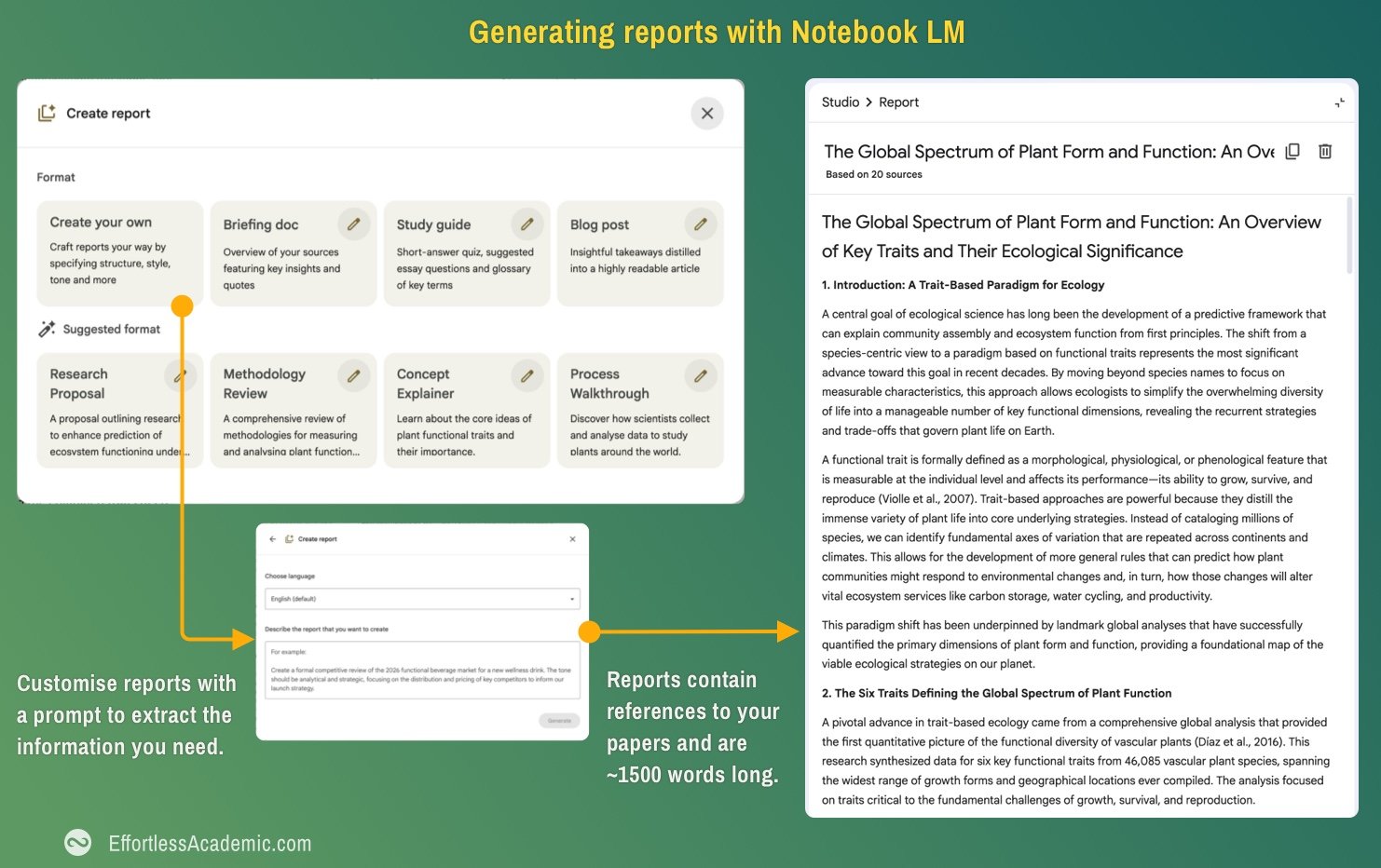
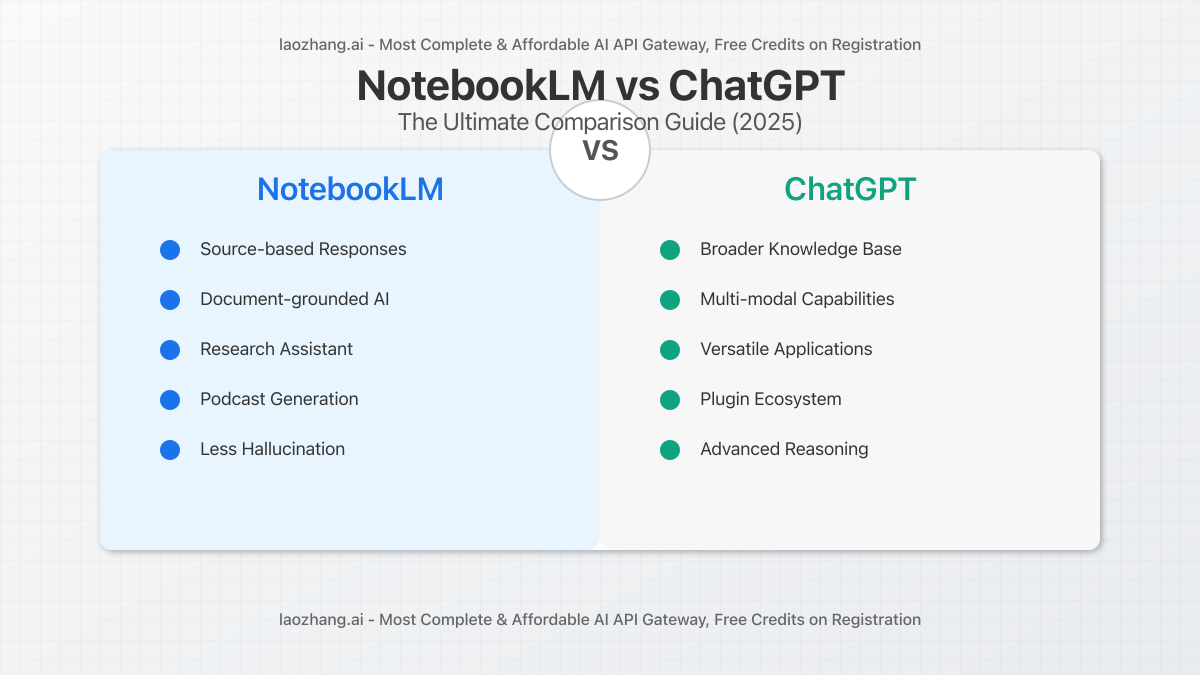
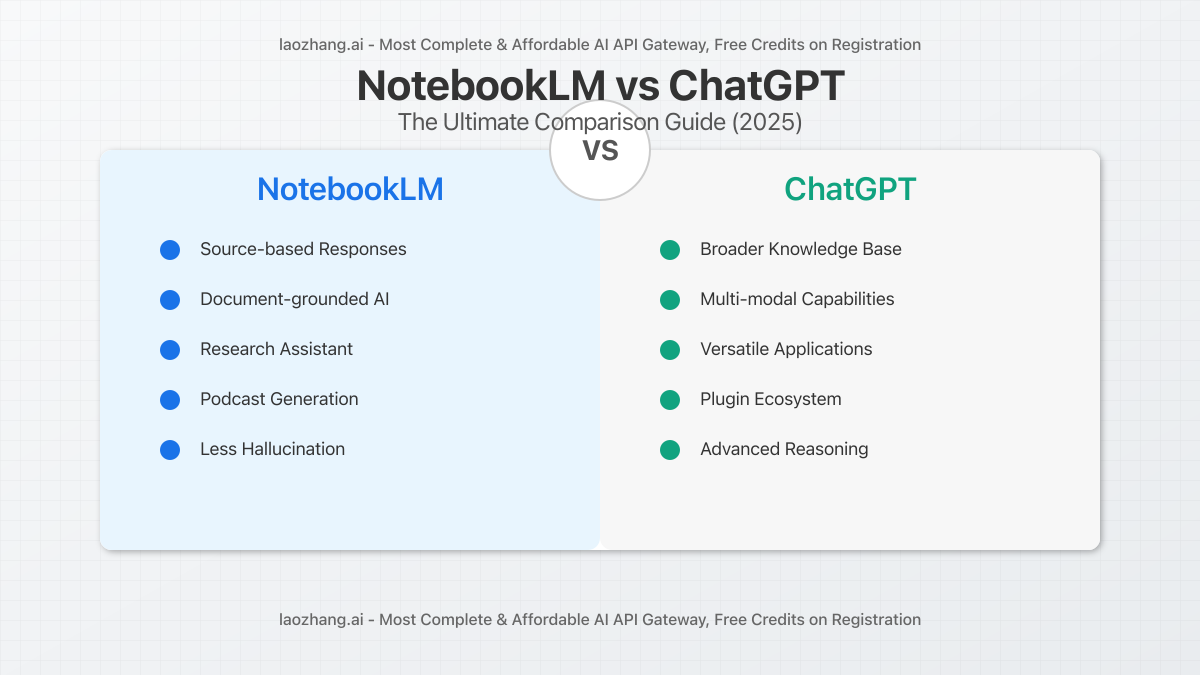
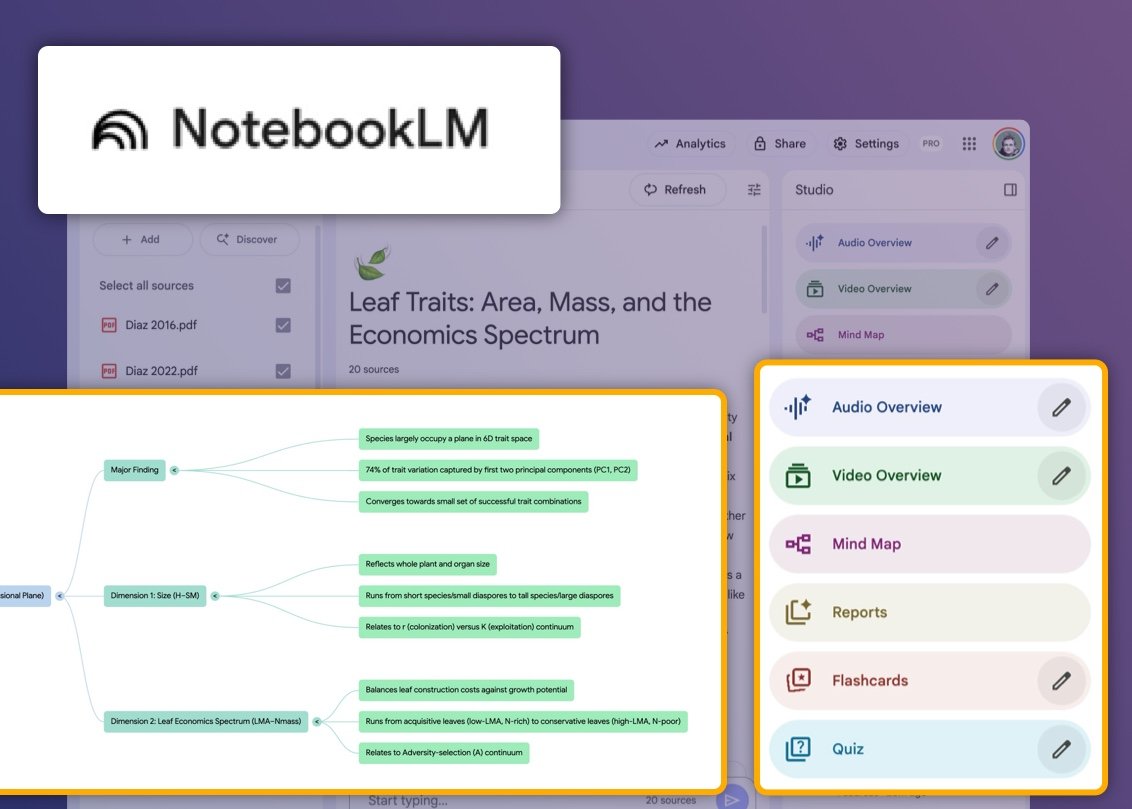
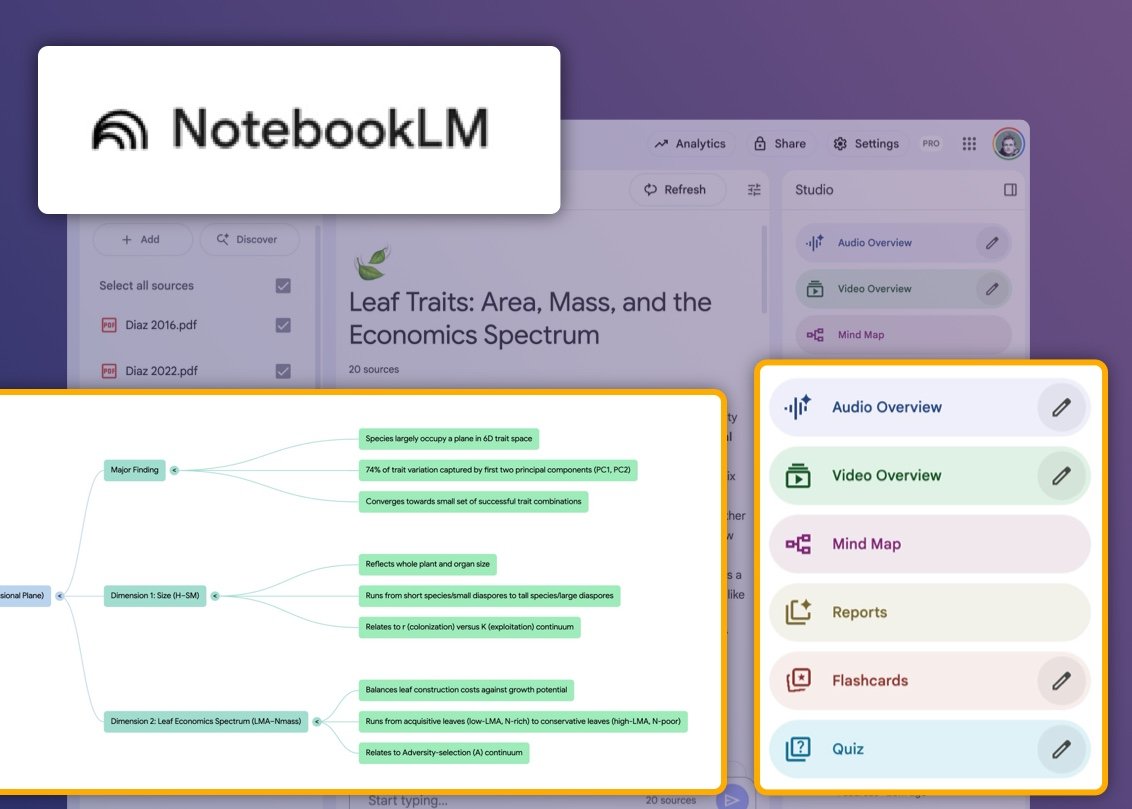
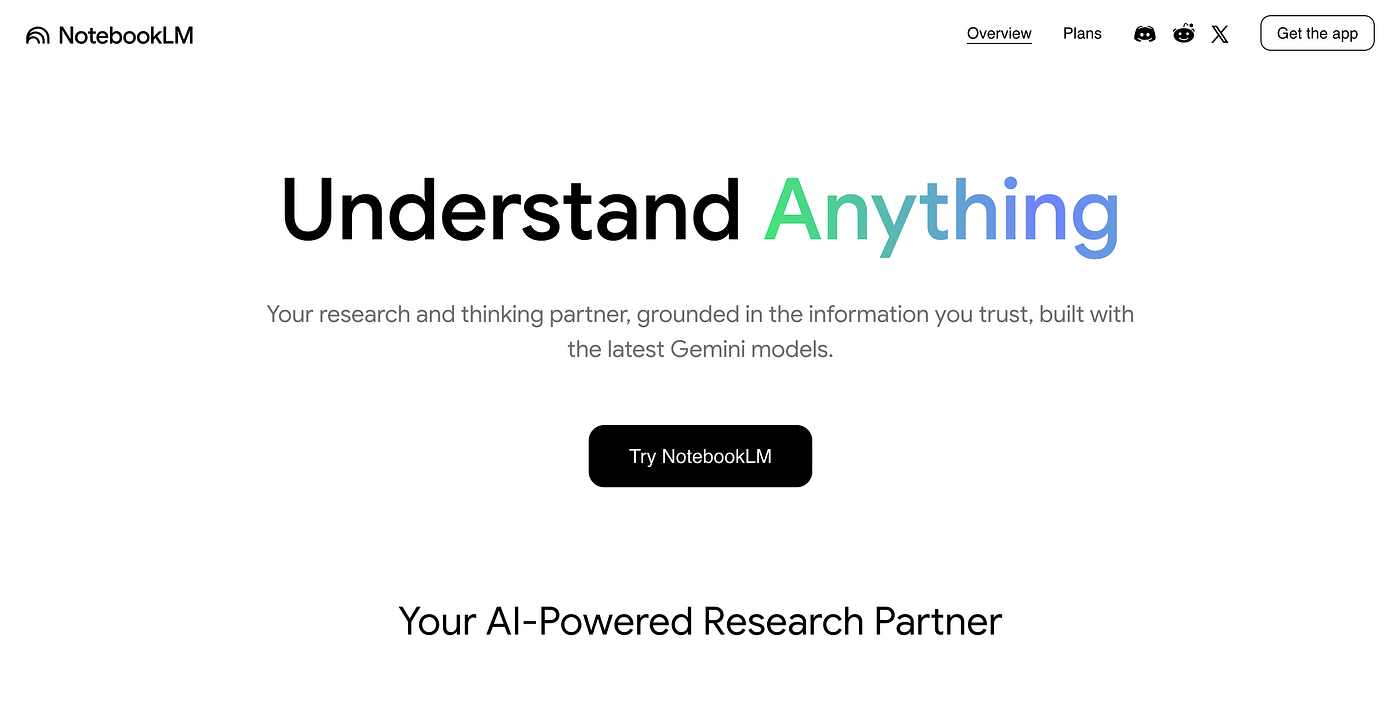
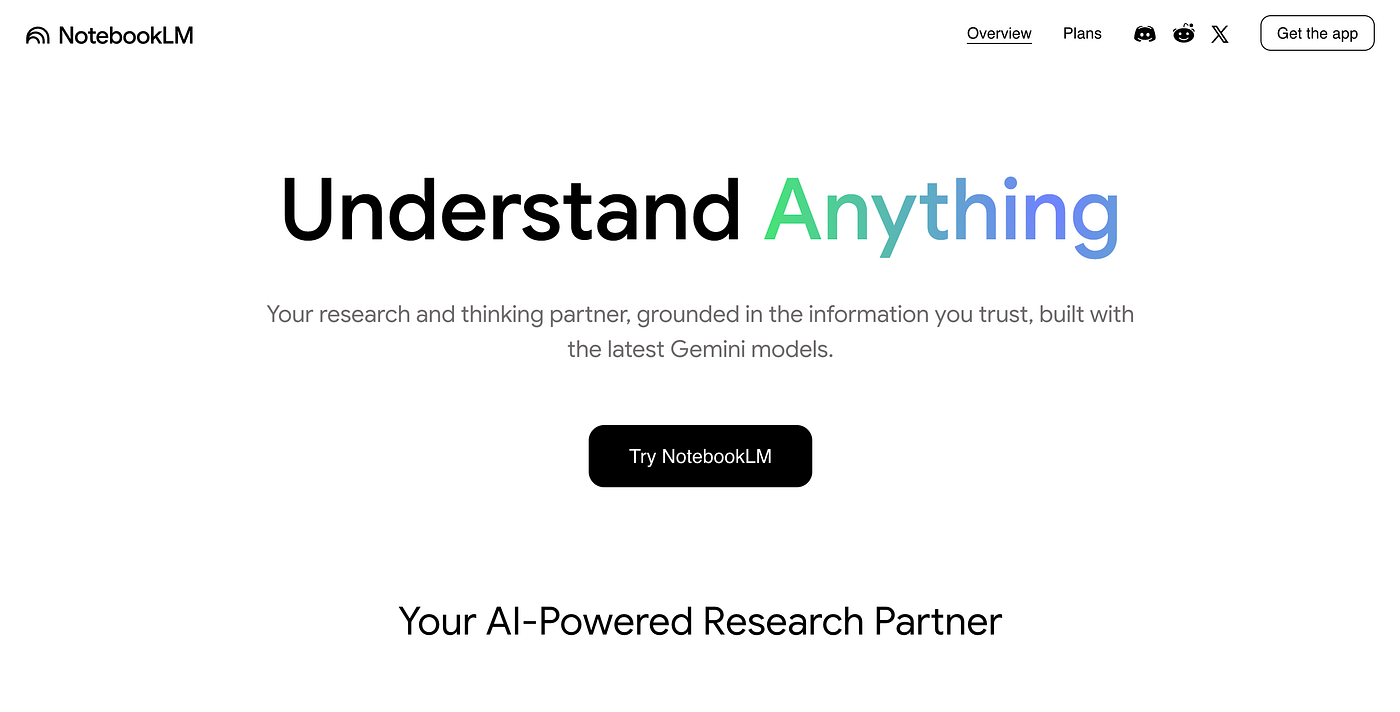
NotebookLM AI is a note-based research assistant developed by Google, designed to help users synthesize information across multiple documents. It transforms static PDFs and text into interactive sources by allowing contextual Q&A and summary generation. With a clean interface and intuitive functionality, NotebookLM Pro is popular among students, professionals, and writers seeking fast insights from uploaded materials.
NotebookLM enhances productivity by reducing manual reading time and offering AI-generated overviews and question-answering. However, for academic research workflows that demand citation exports, structured literature reviews, or reference formatting, its features are limited. While it’s effective for summarization and quick note-taking, researchers working on full academic papers or thesis writing may find more comprehensive solutions in tools like Paperguide or Scispace.
Key Features of NotebookLM in 2025
Feature
Description
Contextual Q&A
Ask natural language questions across one or more uploaded sources.
Source-Based Summarization
Generate AI-powered summaries from documents, chapters, or notes.
Multi-Document Support
Combine content from different files to synthesize broader insights.
Google Account Integration
Use your existing account to manage uploads and notes securely.
NotebookLM Pro
An advanced version with better memory and document handling (still rolling out).
Pros
Simple and intuitive interface
Effective for document-level summarization
Good for general productivity and note organization
Free to use (currently in experimental rollout)
Cons
No citation-backed responses
Cannot export RIS, BibTeX, or formatted references
Lacks PDF annotation or in-text highlighting
Not designed for formal academic publishing or literature review
Limited integration with external tools like Google Docs or Word
Pricing
Plan
Price
Features
Free
$0/month
– Upload up to 100 notebooks with 50 sources each (500K words per source) – 50 daily chat queries – 3 daily audio generations – Support for PDFs, Google Docs, Slides, YouTube, URLs
Pro (via Google AI Pro)
~$23.50/month
– 5× more notebooks, sources, and queries – 500 notebooks with 300 sources each – 500 daily queries & 20 audio generations – Advanced sharing and chat customization – Notebook analytics
Ultra (via Google AI Ultra)
~$295/month
– Everything in Pro, plus: – Access to Gemini 2.5 Pro Deep Think model – Project Mariner (agentic automation prototype) – YouTube Premium – 30 TB Google storage – Best model capabilities (coming soon)
Most users don’t need to purchase NotebookLM separately. It is included with a Google AI Pro or Ultra subscription. The tool is now available globally, including through mobile apps launched in May 2025. Google also confirms that personal data is not used to train the models, and enterprise customers benefit from additional privacy protections.
Final Verdict
NotebookLM is a strong entry point for AI-assisted research, especially if your goal is basic document Q&A or note-taking. But for academic work requiring citations, structured research synthesis, or workflow integrations, it may fall short. For those needs, tools like Paperguide offer more complete, citation-driven solutions built specifically for academic and scientific research.
Top 9 Alternatives to NotebookLM for Academic Research
Here are the top NotebookLM alternatives available in 2025, each offering unique features to match different academic and research needs.
Best NotebookLM Alternatives in 2025
Tool
Description
Paperguide
All-in-one AI research assistant with citation-backed search, deep research, and writing tools.
SciSummary
Simplifies dense scientific papers into easy-to-read summaries to help researchers grasp key insights quickly.
Scispace
Academic co-pilot for reading, annotating, and asking questions from complex PDFs.
Humata AI
PDF-based AI tool that answers questions and generates summaries across uploaded documents.
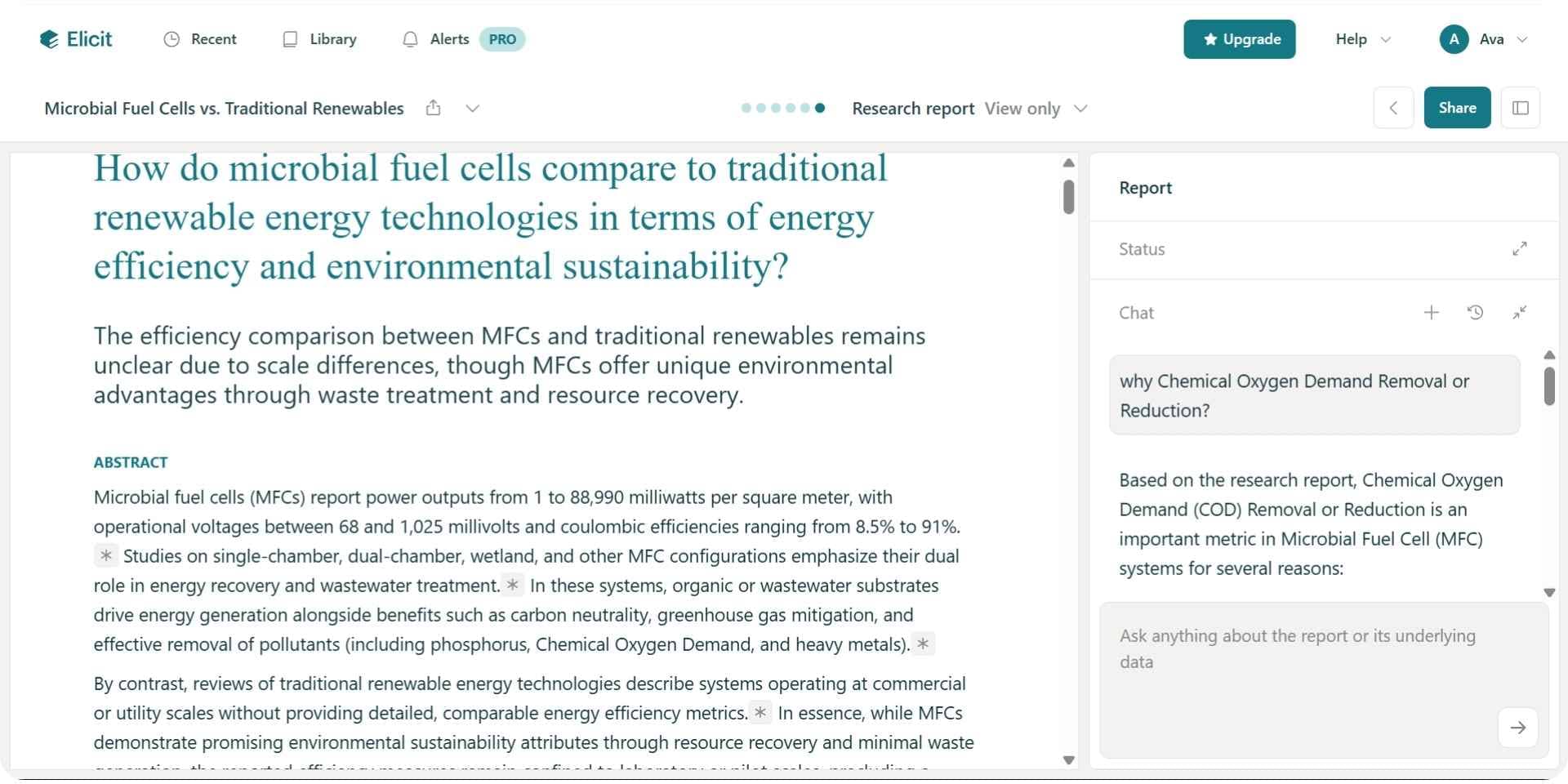
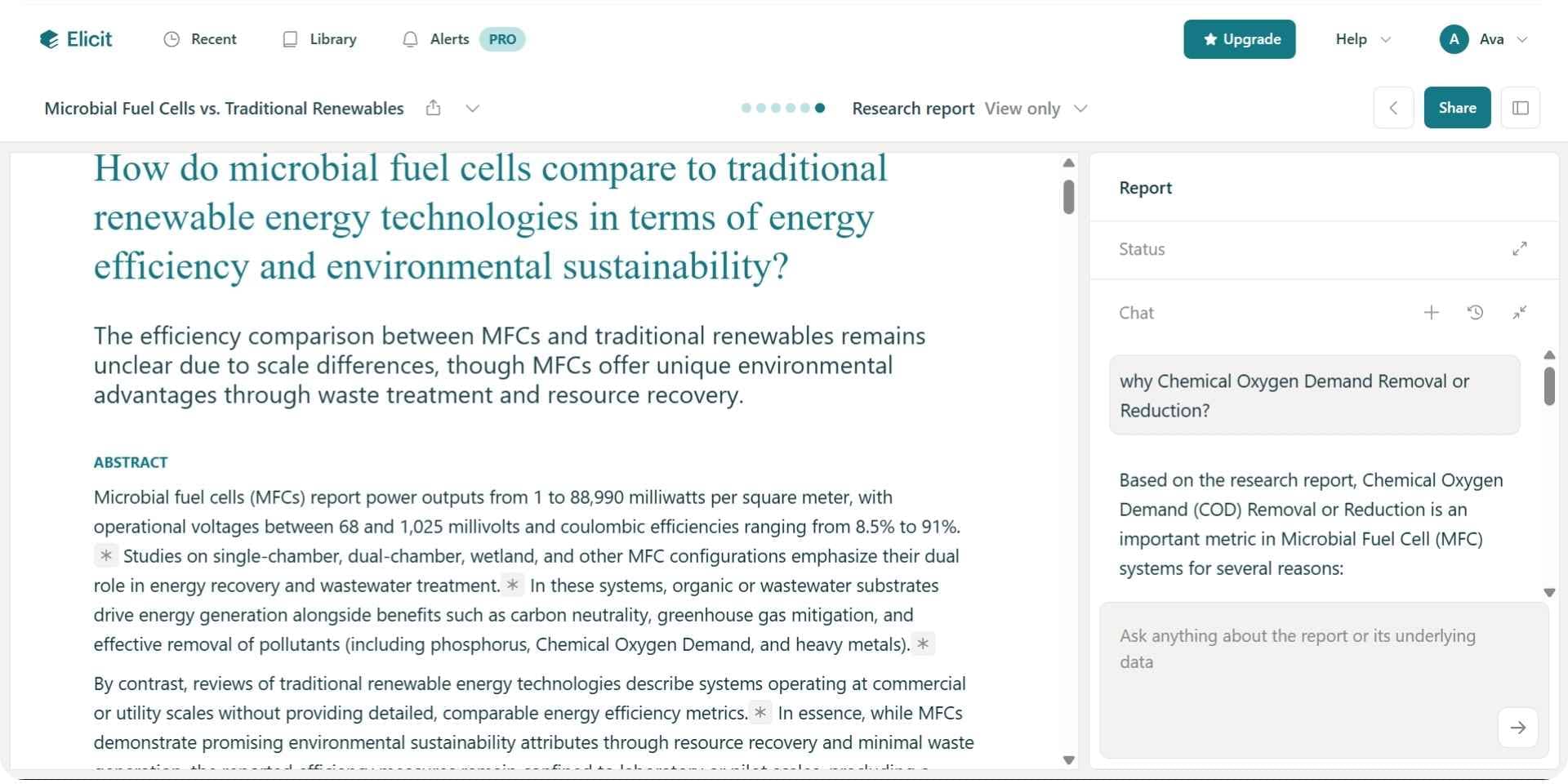
Elicit
AI assistant for literature reviews, question answering, and structured paper analysis.
Consensus
Research engine that finds scientific consensus across peer-reviewed studies.
Claude
Context-aware chatbot from Anthropic with multi-document support and long context window.
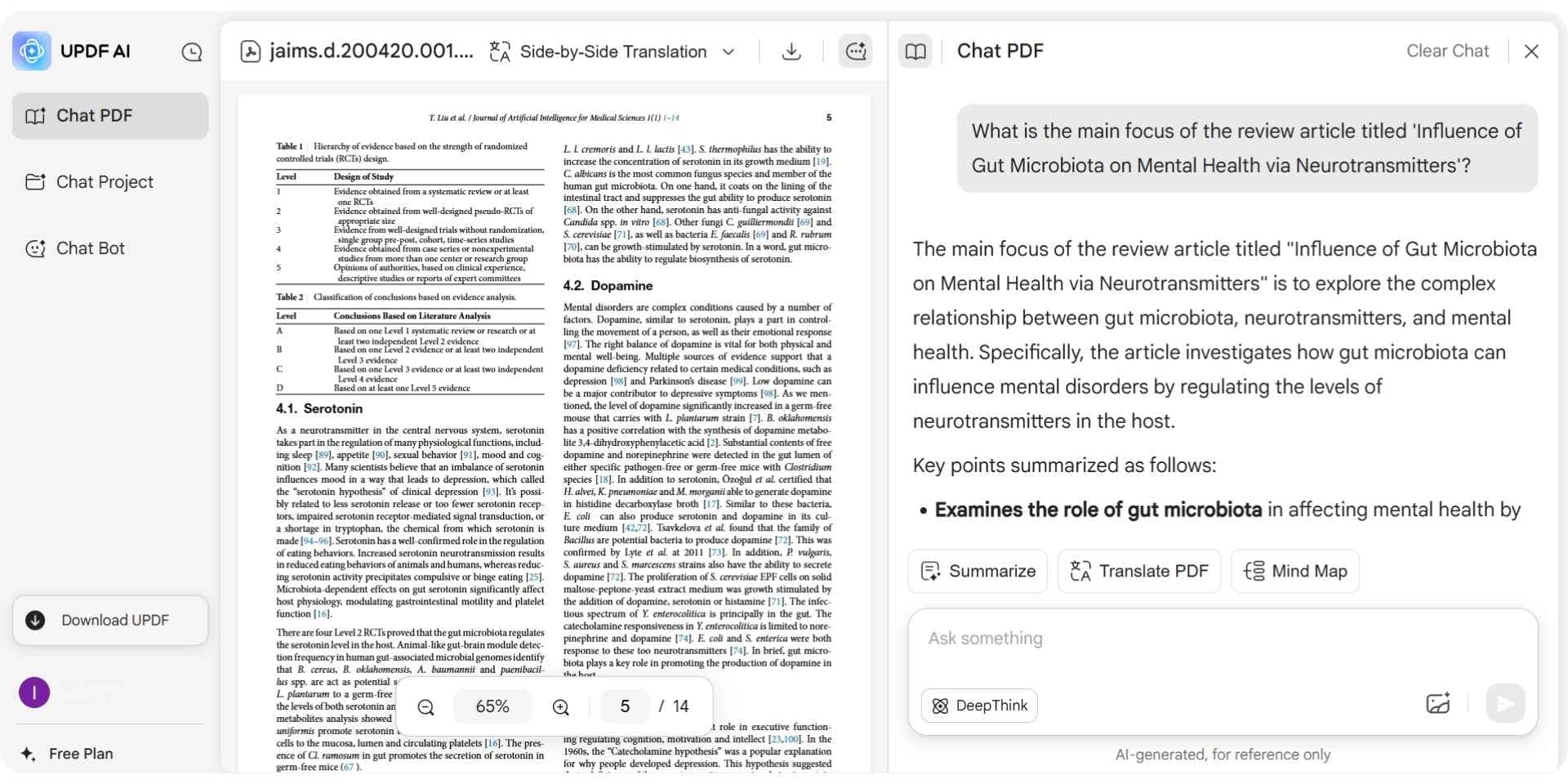
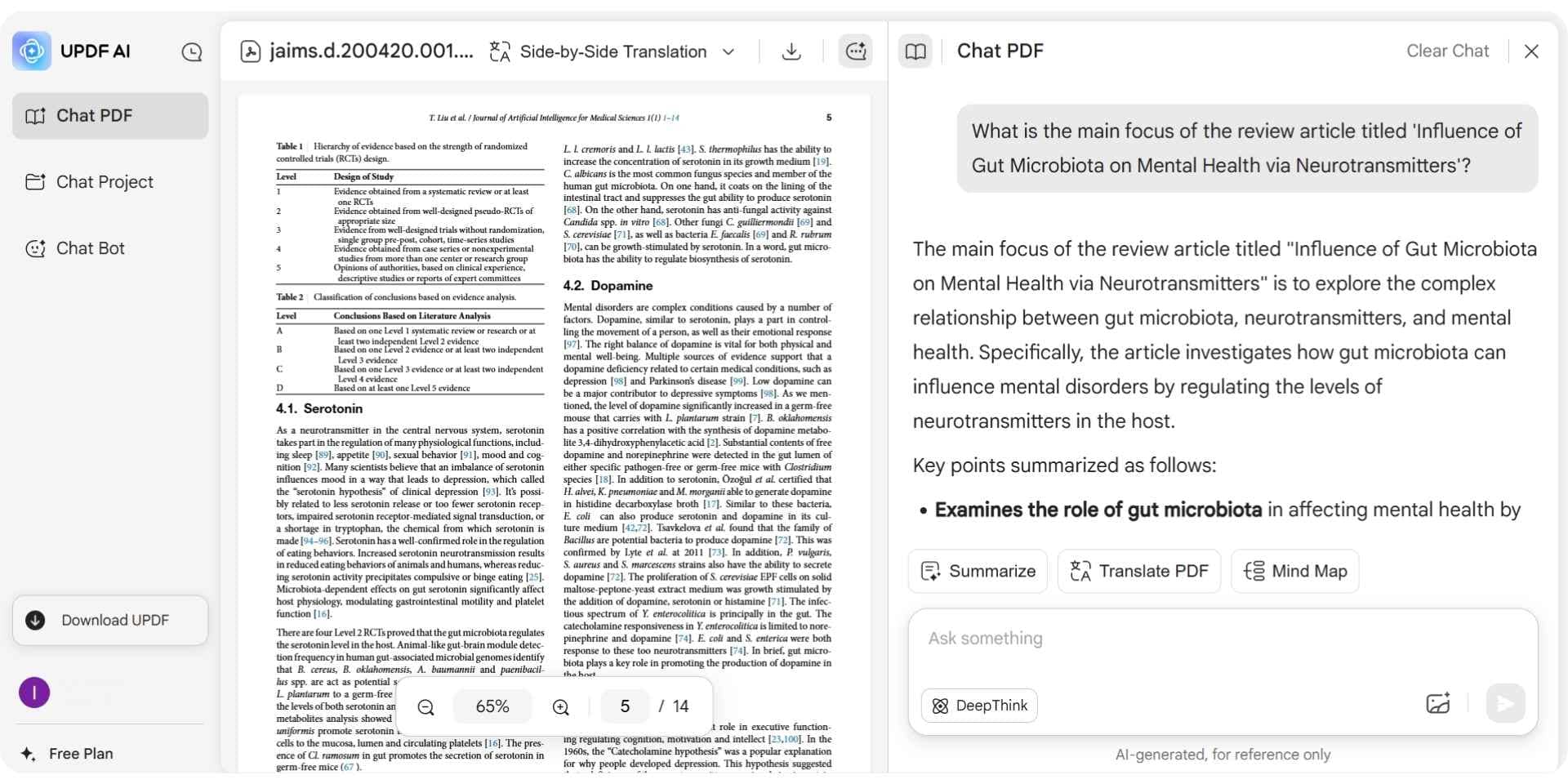
Updf
AI-enhanced PDF tool offering smart summaries, highlights, and instant explanations.
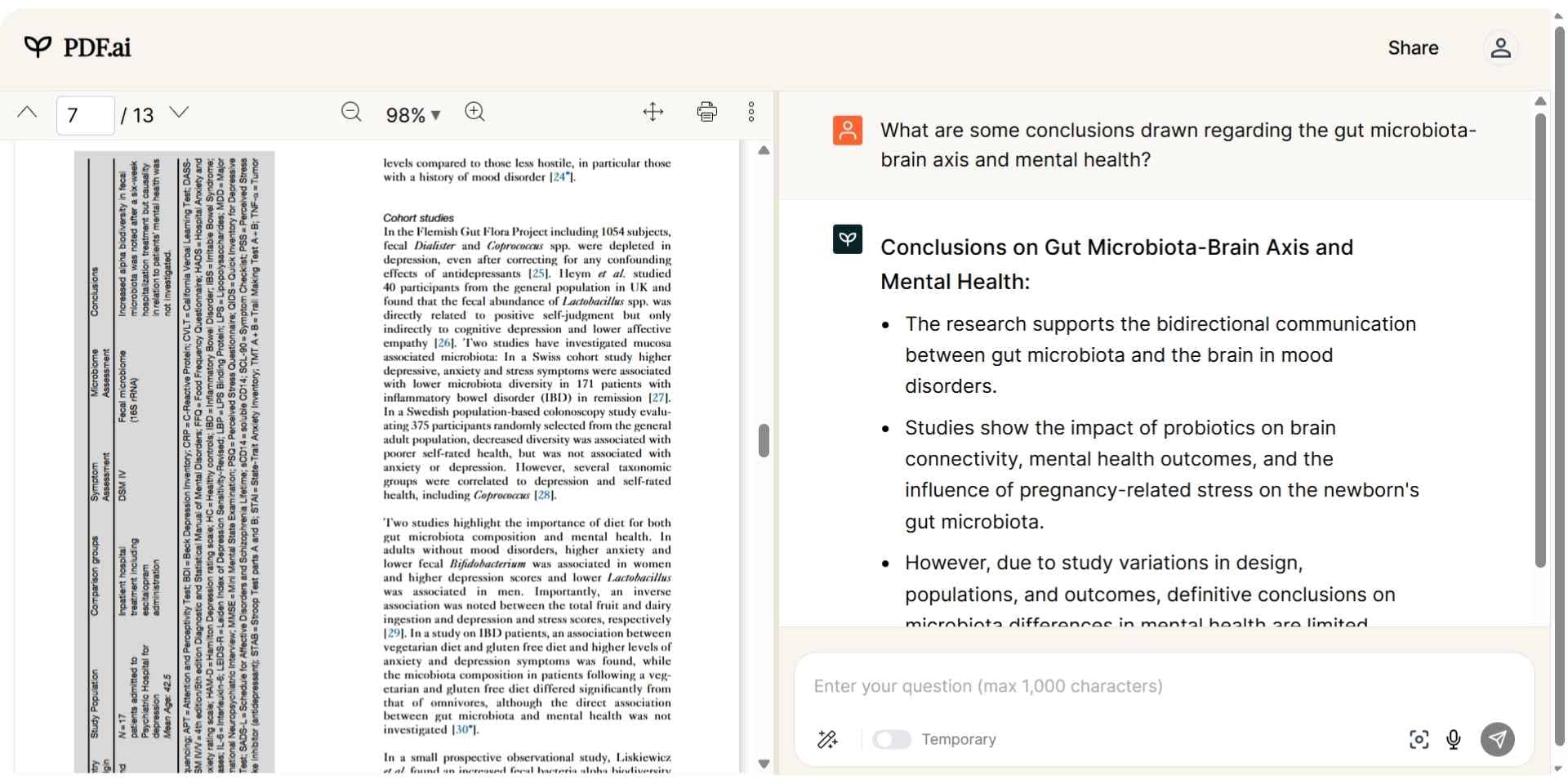
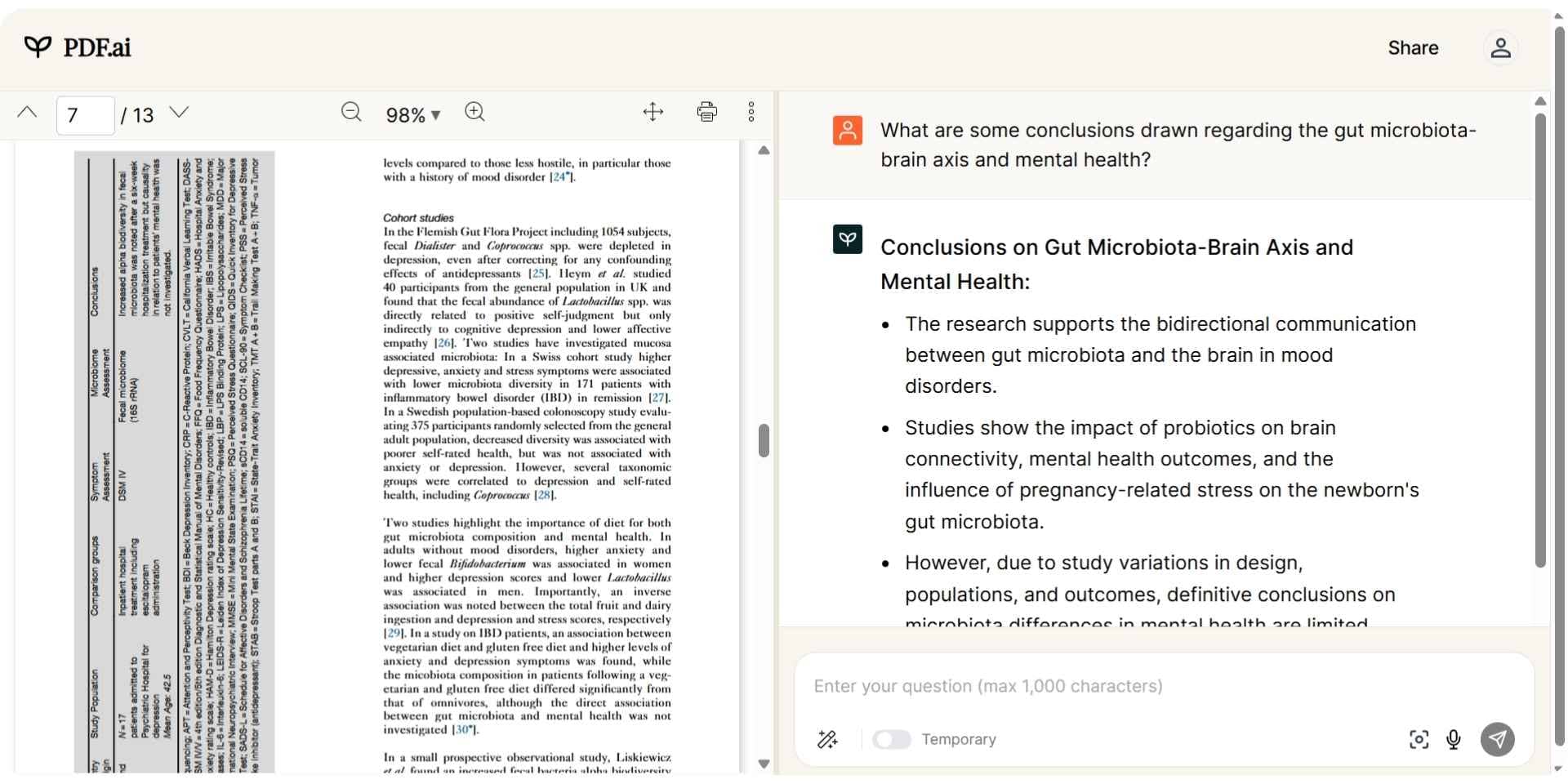
PDF AI
Chat-based PDF assistant with fast question-answering and embedded citation context.
1. Paperguide
paperguide ai research assistant
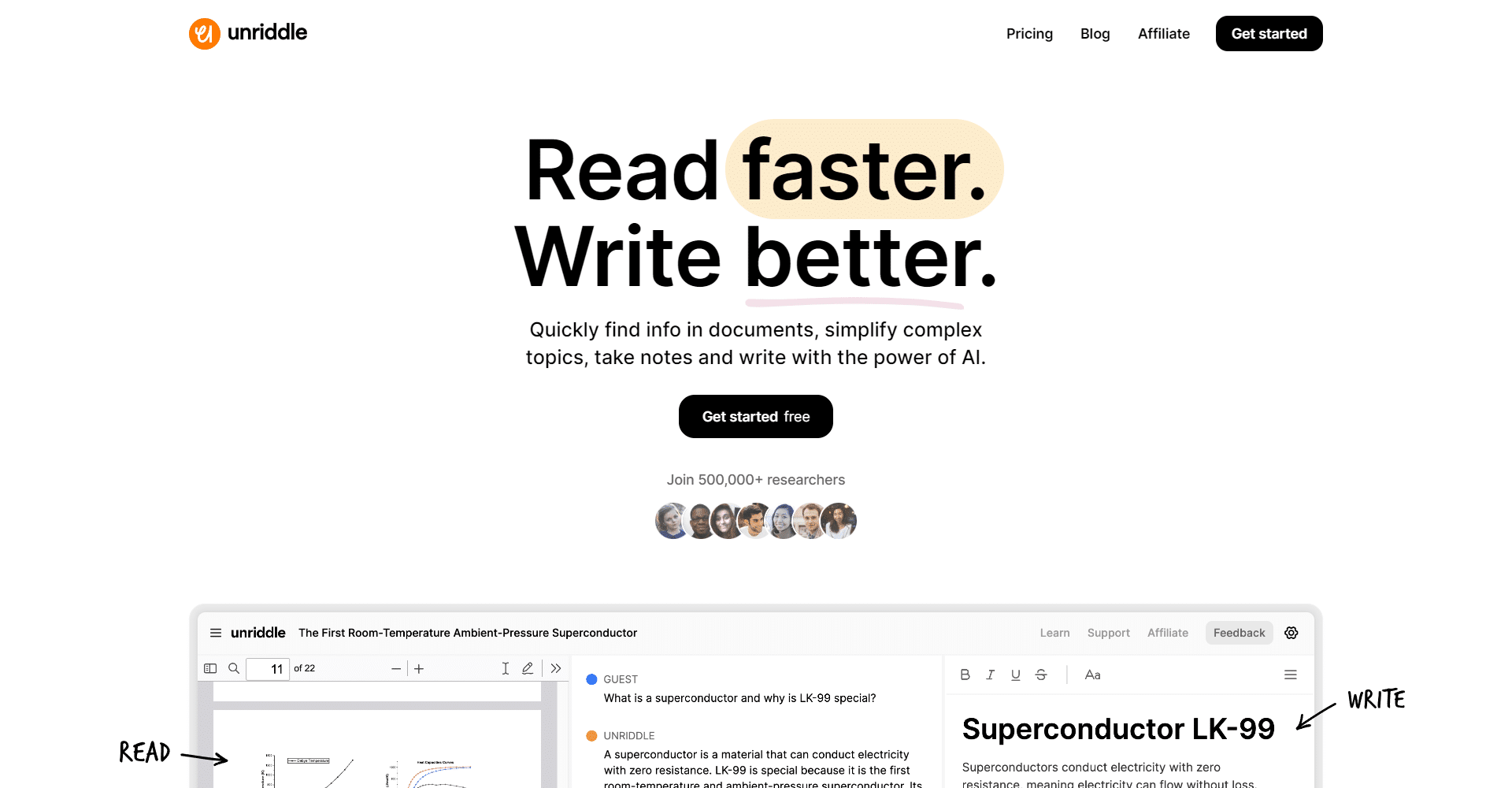
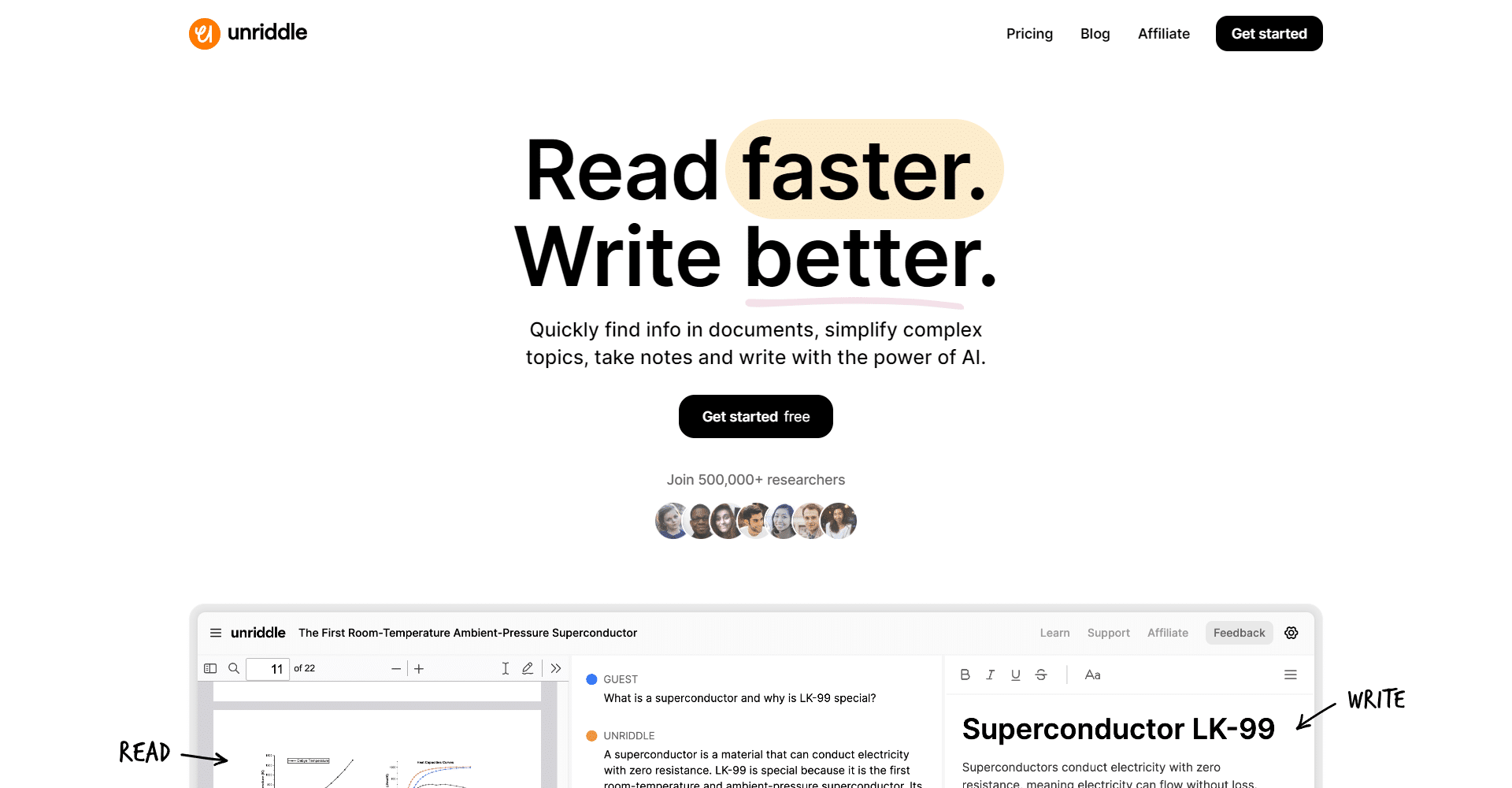
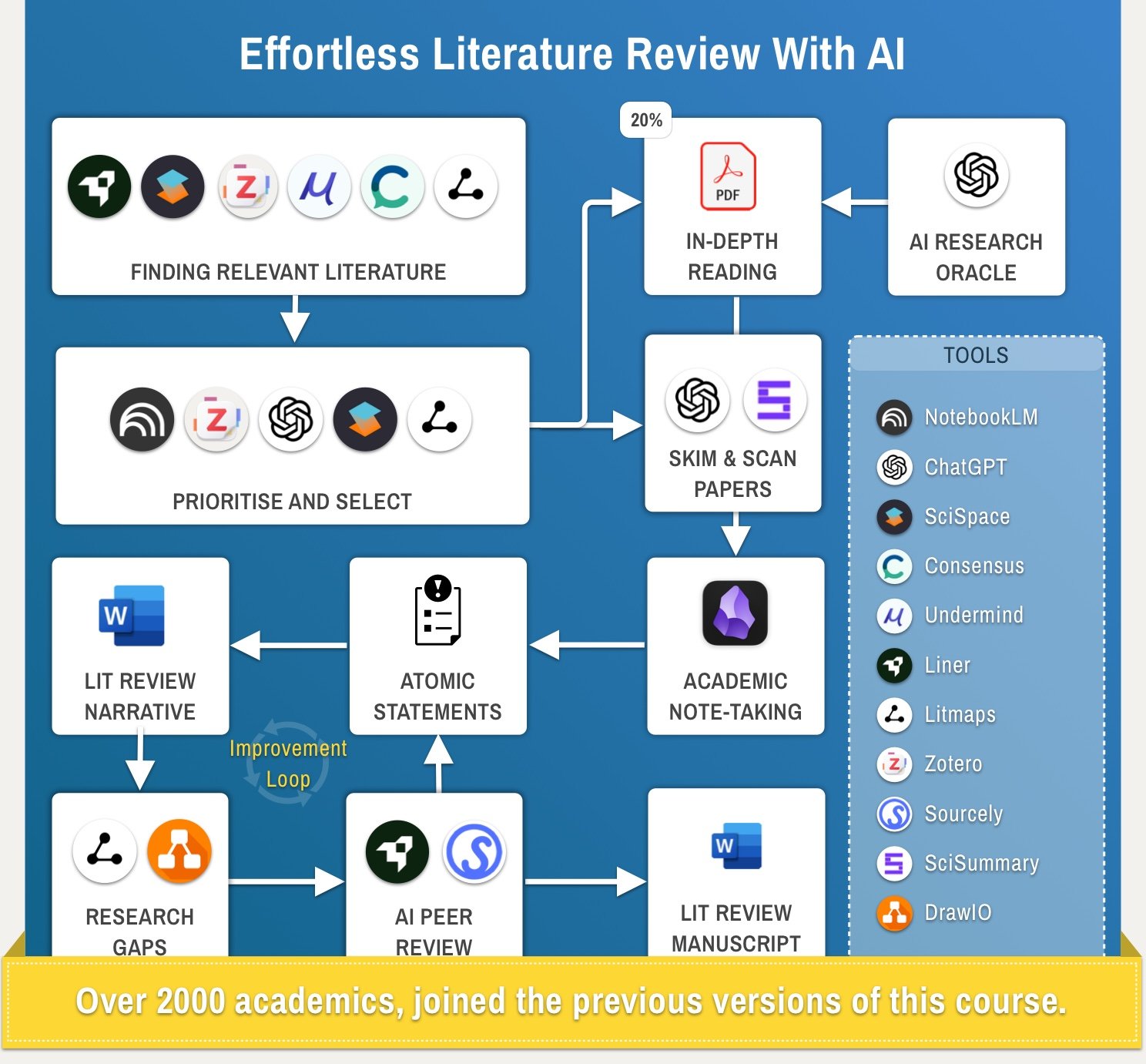
Paperguide is a full-suite AI research assistant designed for academic workflows. It supports everything from AI-powered search and literature reviews to citation-backed writing and interactive Q&A with PDFs. Unlike note-focused tools, it helps researchers analyze sources, generate summaries, and write publishable content in one place.
Key Features
Feature
Description
AI Research Assistant
Ask academic questions and receive citation-backed answers from 220 million papers
AI Literature Review
Generate structured reviews with source screening and thematic synthesis
AI Paper Writer
Write full research papers with accurate citations and academic tone
AI Reference Manager
Export references in BibTeX, RIS, Zotero, and manage citations with ease
Chat with PDF
Ask questions from uploaded papers and receive context-aware answers
Deep Research Reports
Create full-scale literature reviews in one click with linked sources
Pros
Combines search, analysis, writing, and citation into one research platform
Supports systematic reviews and academic writing workflows
Citation-backed responses and export-ready references
Cons
Not designed for basic note-taking or casual reading
No offline desktop version (cloud-only)
May require a learning curve for first-time academic users
Best ForResearchers, postgraduates, and students working on academic writing, thesis projects, or literature-based research.
Pricing
Plan

Price
What’s Included
Free

$0/month
5 AI generations daily, 2 deep reports, limited storage, AI summaries, Chat with PDF
Plus
$12/month (billed annually)
Unlimited generations, 10 reports, unlimited storage, plagiarism checker
Pro
$24/month (billed annually)
50 reports, 100 papers per workbook, 20 document generations, advanced research features
Special discounts are available for institutions and students upon request.
Final Verdict
Paperguide stands out as the top alternative to NotebookLM for academic research. While NotebookLM is praised for its multimodal summaries and user-friendly Q&A interface, Paperguide is built specifically for deep academic workflows. It supports structured literature reviews, generates export-ready references, and enables source-level interaction across PDFs and academic texts. As an AI-powered assistant designed for deep reading and synthesis, Paperguide is the top choice in 2025.
2. SciSummary
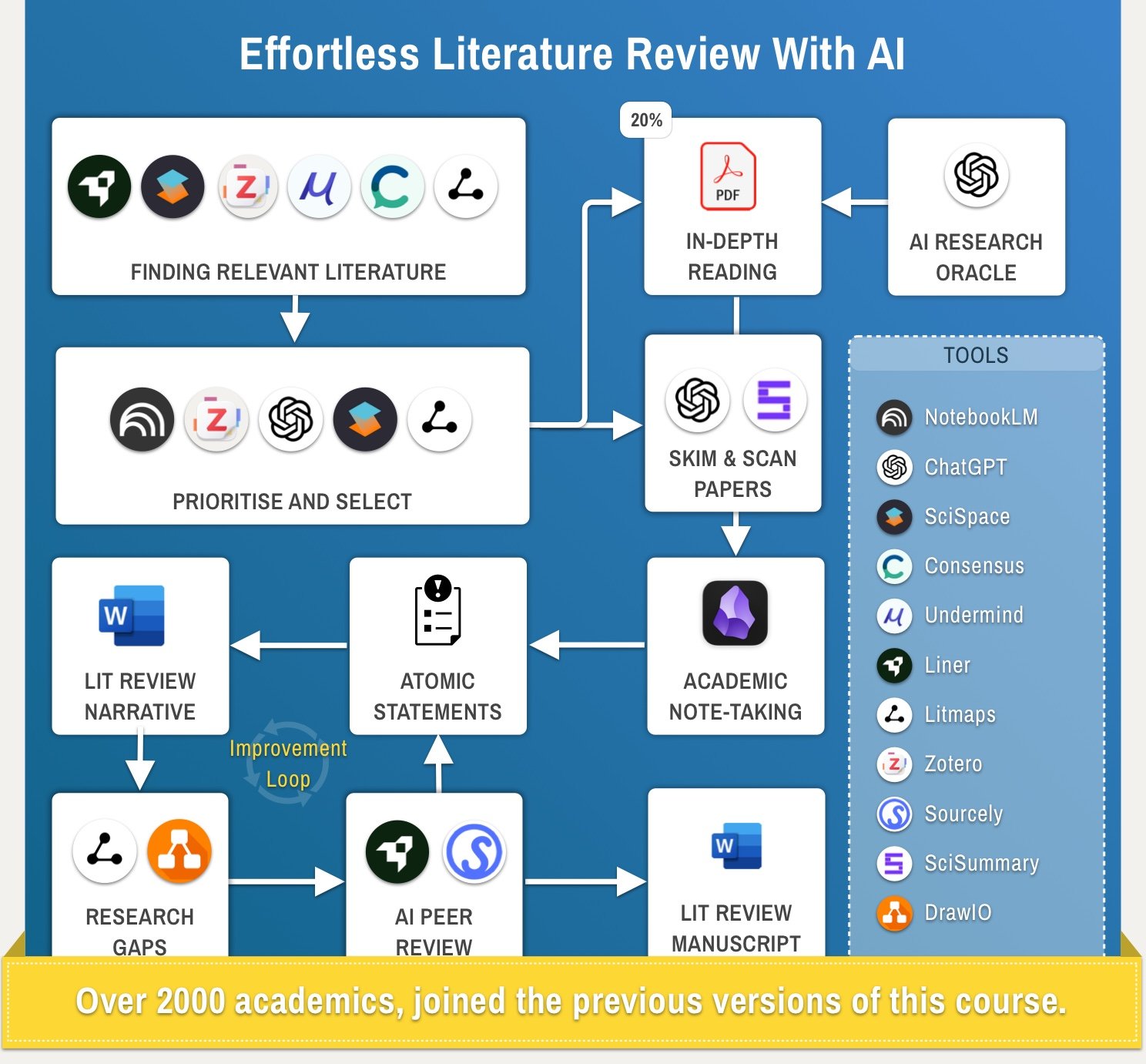
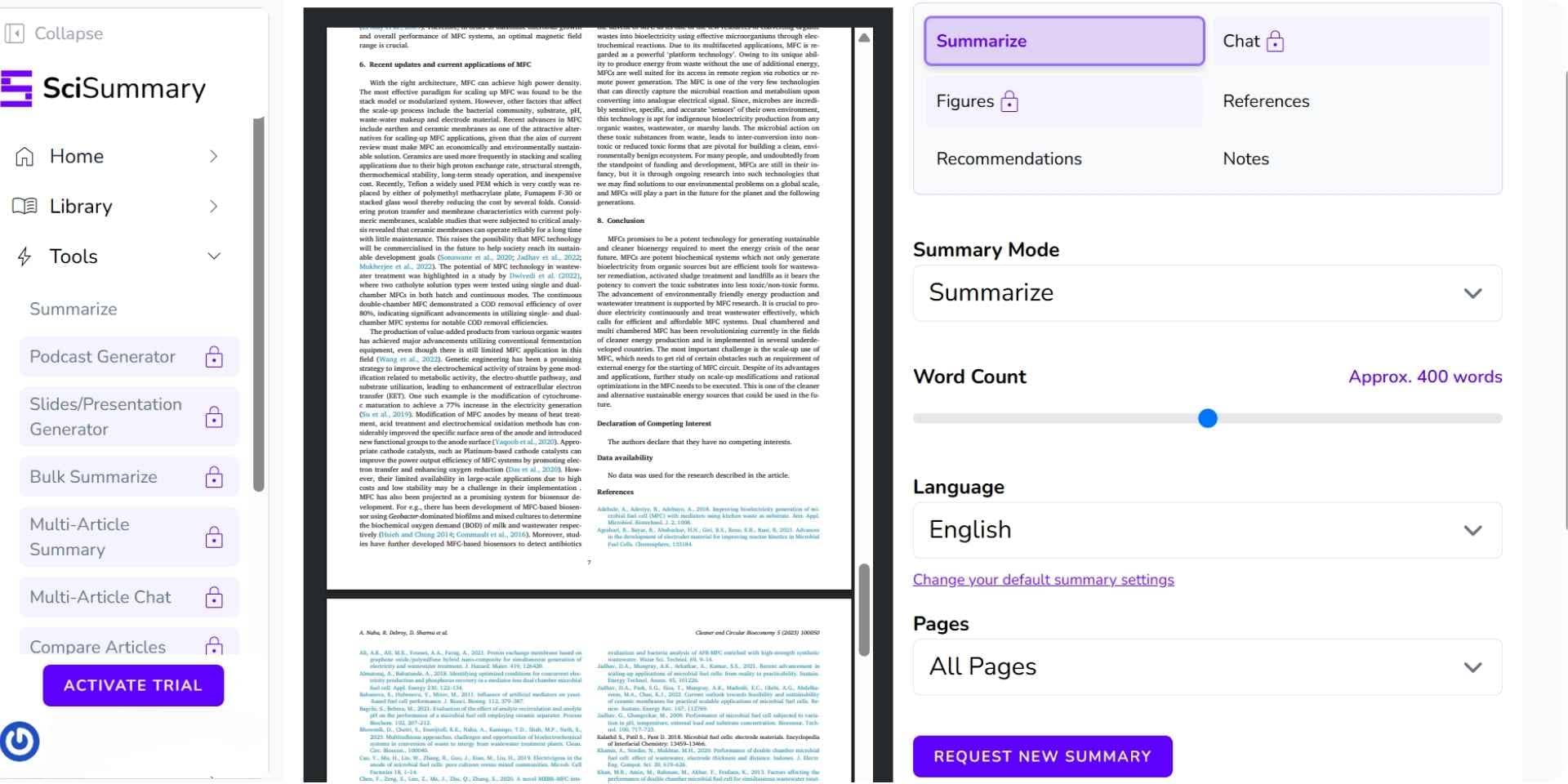
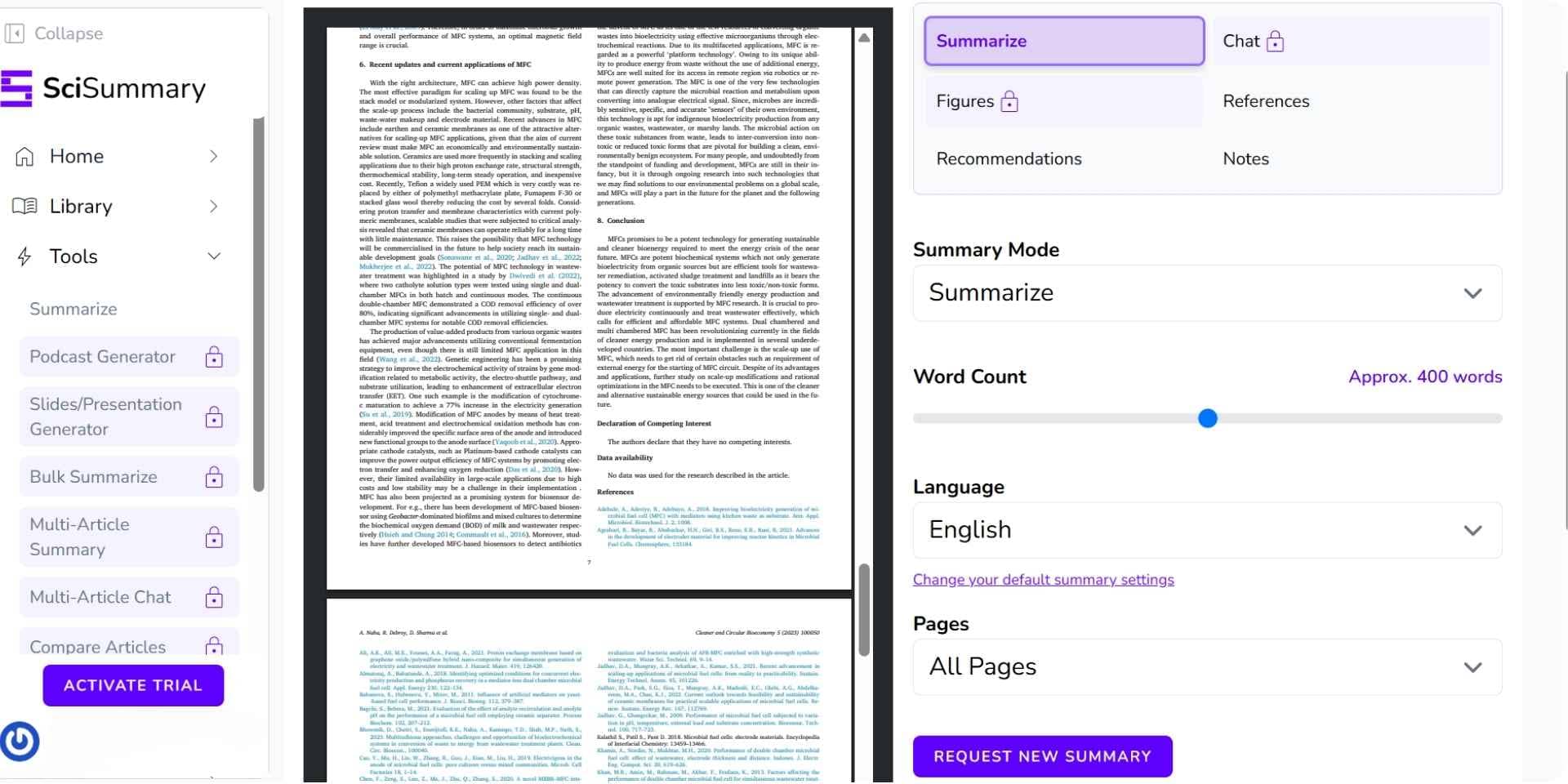
SciSummary is an AI-powered tool that distills scientific papers into short, digestible summaries, allowing researchers and professionals to quickly absorb key insights from dense academic content.
It’s a web-based platform that’s simple to use—just upload a paper or paste a link. With its structured summaries and bullet-pointed key takeaways, SciSummary is especially helpful for students, researchers, and busy professionals who regularly scan large volumes of research.
Key Features
Feature
Description
AI Summarization
Generates concise summaries from uploaded scientific papers or links
Bullet-Pointed Takeaways
Highlights key findings in an easy-to-skim format
Email Delivery
Get summaries sent directly to your inbox
Digital Library
Save and revisit past summaries in a personal archive
Free Trial
Try all features before committing to a paid plan
Pros
Beginner-friendly with no technical setup
Bullet-style summaries enhance readability
Email delivery and personal library features improve convenience
Cons
Focused purely on summarization with no in-depth analysis or annotation tools
Best ForStudents, researchers, and professionals who need fast, high-level overviews of academic papers without manual skimming.
Pricing
Plan
Price
What’s Included
Free
$0/month
Access to basic summarization and email delivery
Premium
$4/month (billed annually) or $7/month (monthly billing)
Full access to all features including digital library and advanced summaries
Final Verdict
SciSummary offers an affordable alternative to tools like NotebookLM, particularly for students who want faster comprehension of academic papers. While it doesn’t offer deep interaction or annotation, its clear summaries and ease of use make it a strong choice for quick reading and research support.
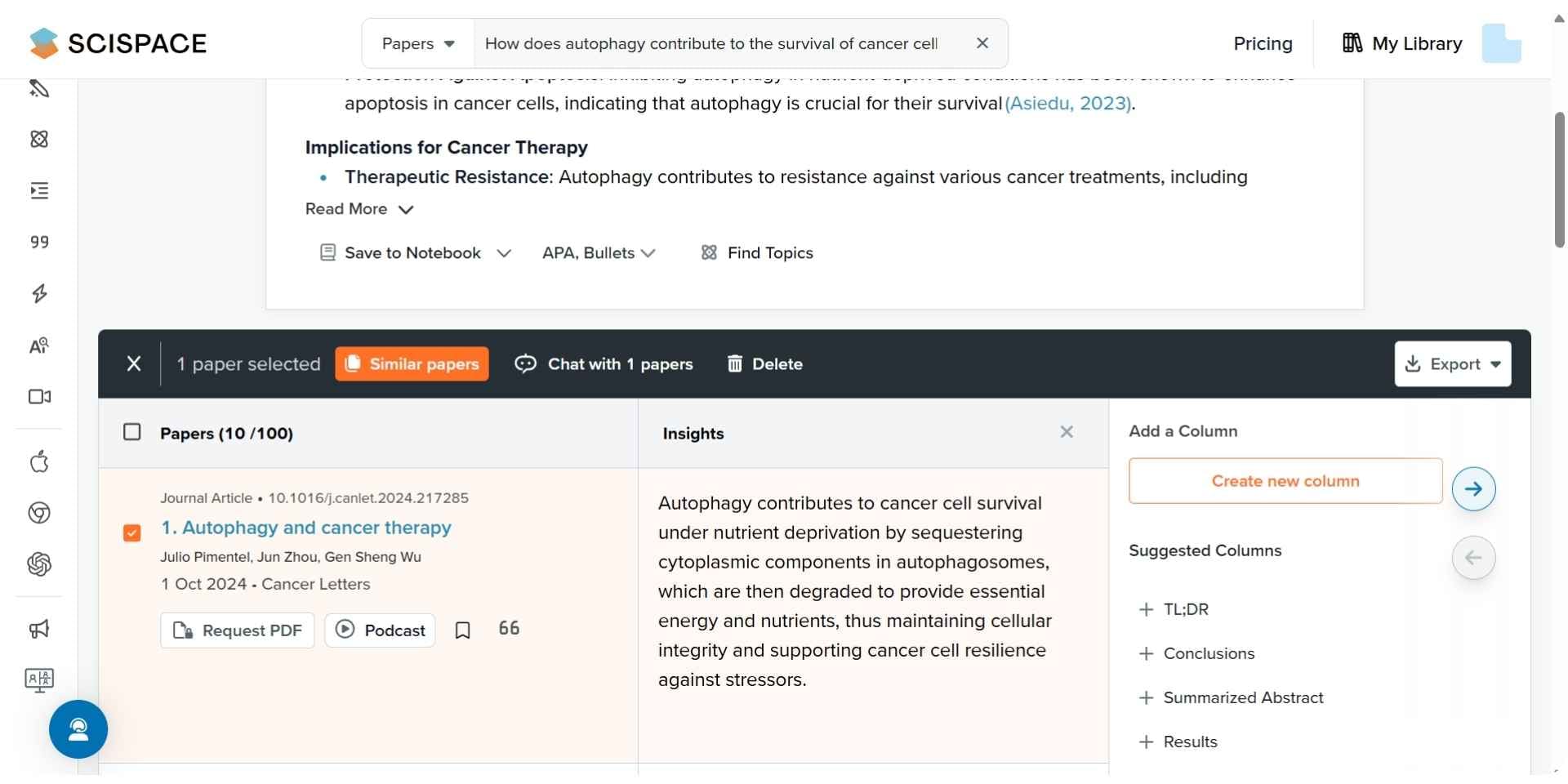
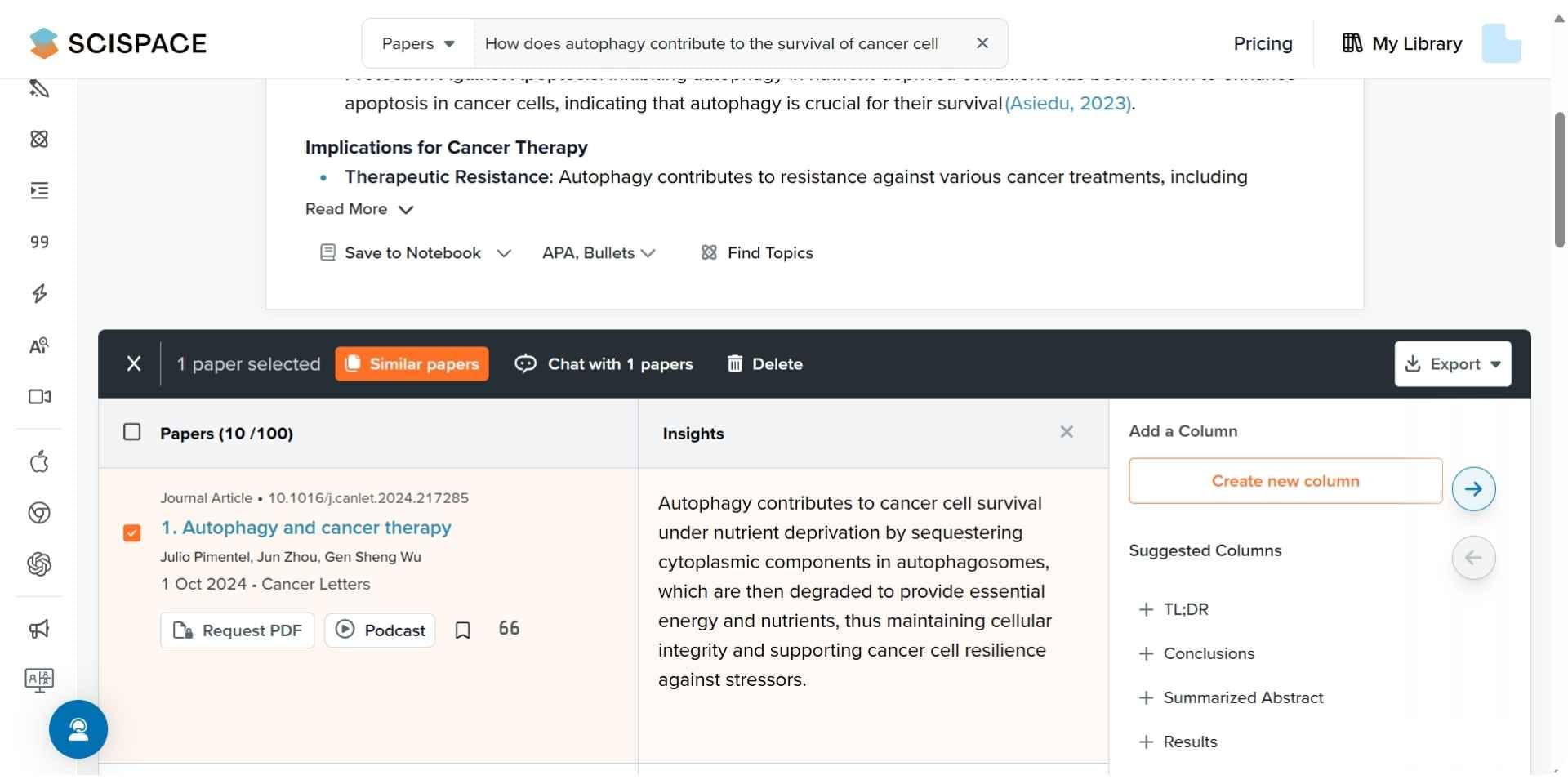
3. Scispace
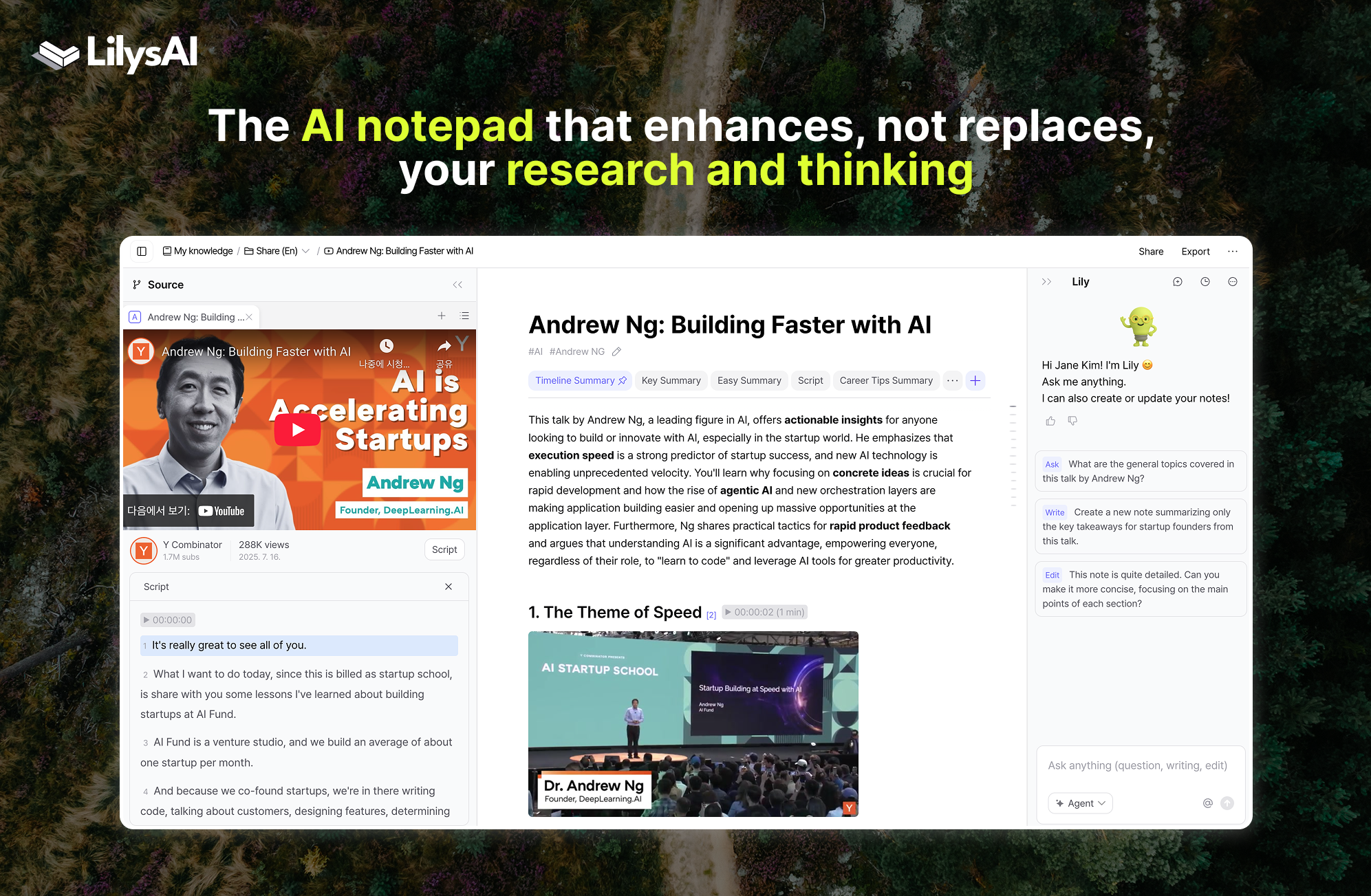
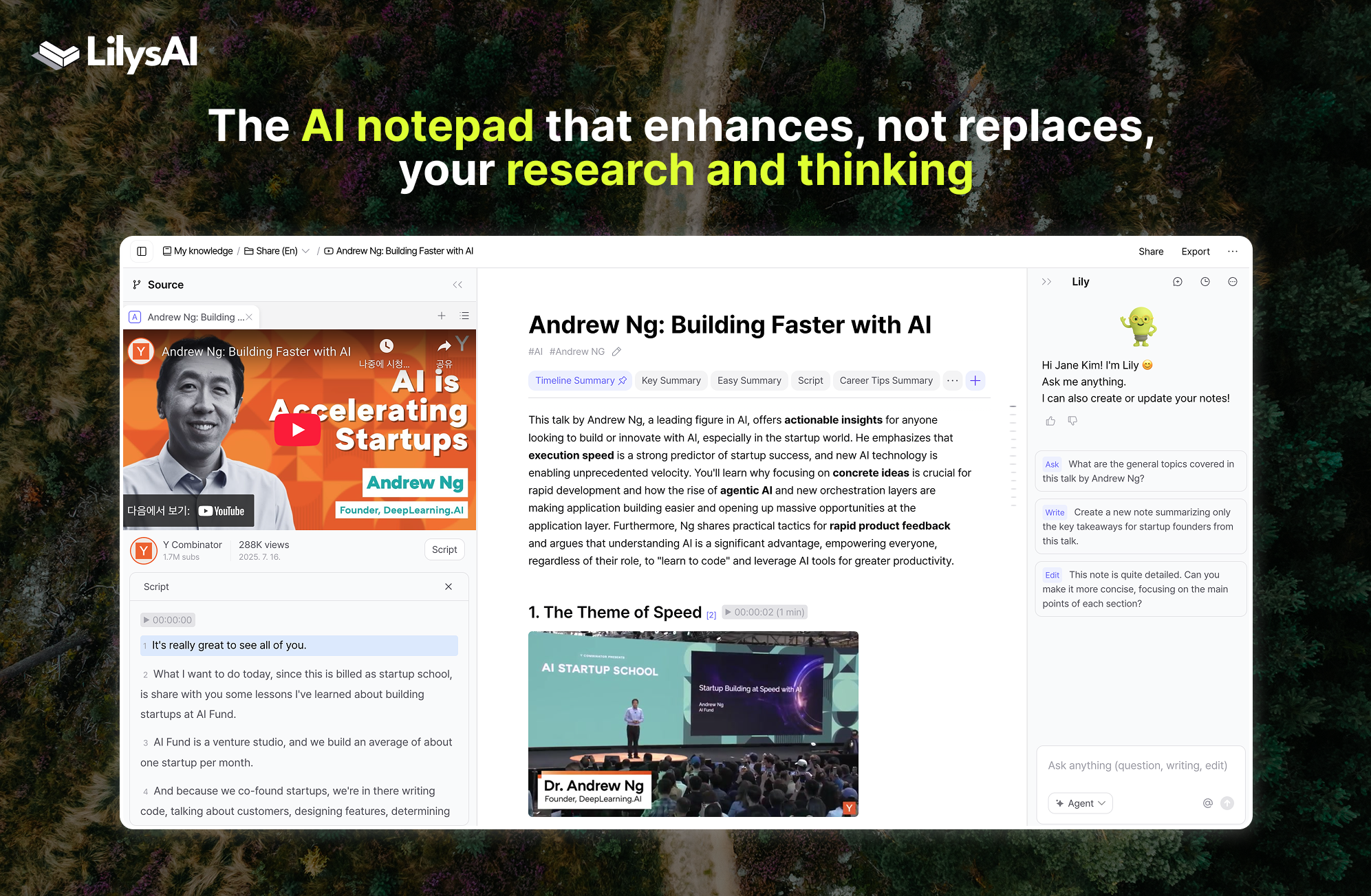
Scispace is a research-focused platform that helps users engage with complex academic documents. It combines AI-powered reading assistance, summarization, and document-based question answering through its Copilot feature. Users can interact directly with uploaded papers, generate citations, and get paraphrased explanations—making it a strong alternative to NotebookLM for academic workflows.
Key Features
Feature
Description
AI Copilot
Ask questions across uploaded PDFs with real-time Q&A support
Literature Review Workspace
Search, extract, and organize research insights with table outputs
Citation Generator
Generate citations in various formats and export to RIS, BibTeX, and more
Paraphraser and Writer
Rewrite content and generate structured academic text using AI
Notebook Summaries
Summarize academic papers into digestible overviews
Pros
Well-suited for reading and interacting with academic PDFs
Powerful paraphrasing and citation generation features
Supports RIS, CSV, BIB, and Excel exports
Cons
Some features locked behind higher pricing tiers
May feel more reading-focused than writing-first
Less effective for full-document generation
Best ForStudents and researchers who focus on reading, annotating, and summarizing academic literature—especially in STEM fields.
Pricing
Plan
Price
What’s Included
Basic
$0/month
Limited access to review tools, citations, summaries, and AI actions
Premium
$20/month
Unlimited features, citation export, enhanced models
Advanced

$90/month
Access to deep review model and more powerful analysis
Teams
Starting from $18/user/month
Role management, dedicated support, collaboration tools
Final Verdict
Scispace is a strong NotebookLM alternative for researchers who need a smarter reading and extraction experience. While it focuses more on interpreting documents than writing them, its AI copilot, literature tables, and export features make it a valuable tool for literature reviews and academic preparation.
4. Humata AI
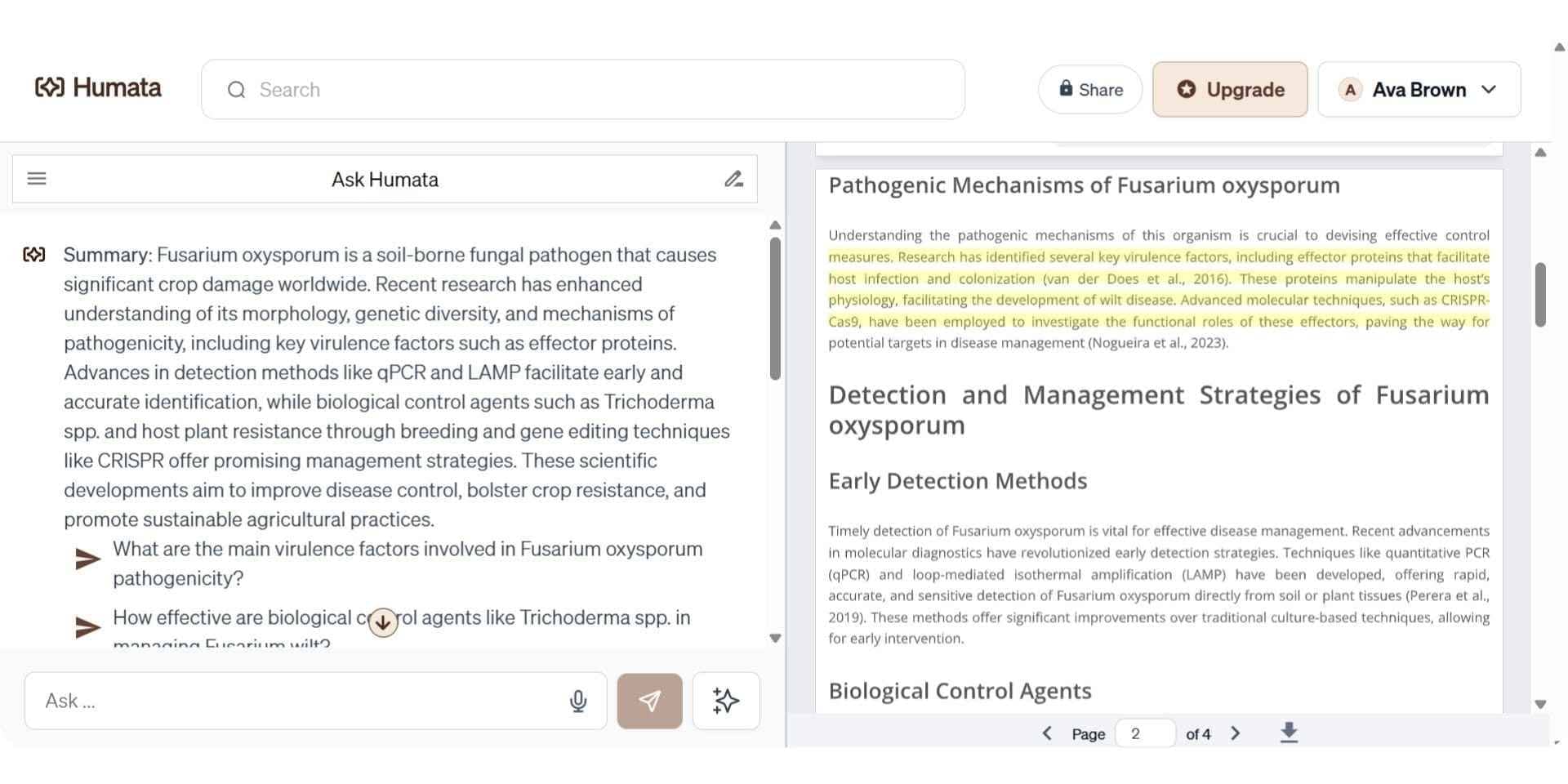
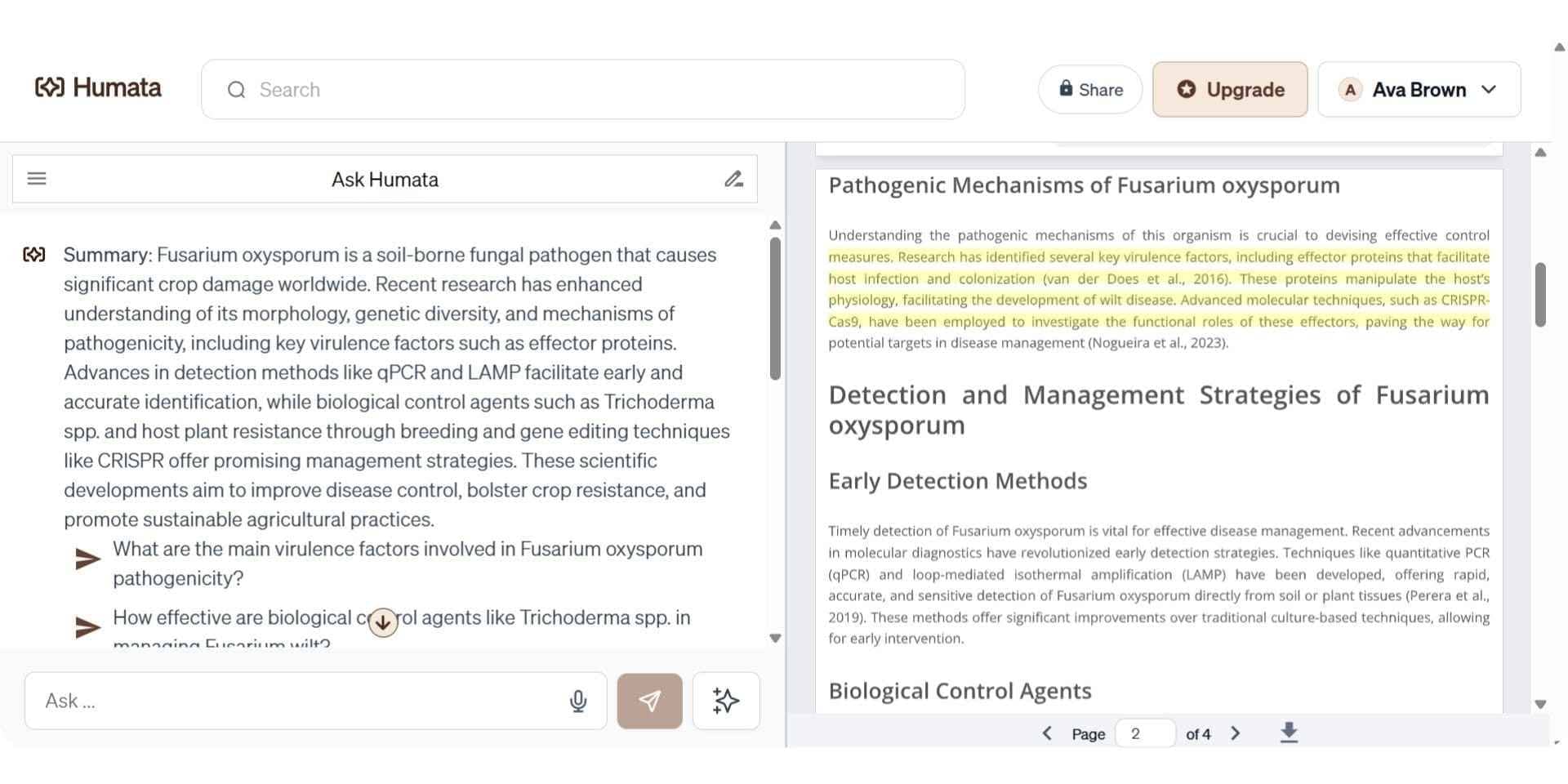
Humata is a PDF-focused academic assistant designed for fast document-level Q&A and summarization. It allows users to upload multiple documents, ask natural language questions, and receive instant answers with cited snippets. With GPT 4.0 support and flexible pricing, it is ideal for students, researchers, and professionals seeking quick insights from complex papers.
Key Features
Feature
Description
PDF Q&A
Ask questions and receive answers directly from uploaded papers
Citation Snippets
Get answers with linked references to page numbers or sections
OCR Support
Read and extract text from scanned PDFs
Response Personalization
Adjust the tone or depth of answers
GPT 4.0 Access
Uses GPT 4.0 for better context and summarization
Team Permissions
Department and folder-level access for teams and institutions
Pros
Lightweight and easy to use
High accuracy for document-based Q&A
Affordable pricing for individuals and teams
Cons
Limited academic writing features
No built-in literature review or citation manager
Requires internet for full functionality
Best ForStudents and professionals who want quick Q&A from papers without full research writing tools.
Pricing
Plan
Price
What’s Included
Free
$0
60 pages/month, single user
Student
$1.99/month

200 pages/month, .edu email required
Expert
$9.99/month
500 pages/month, GPT 4 access
Team
$49/user/month
5000 pages/month, up to 10 users, admin panel
Enterprise
Custom
SOC-2, folder access, uptime SLA, support
Final Verdict
Humata AI is a strong alternative to NotebookLM for users who primarily work with PDFs. While it lacks advanced writing tools, its quick question-answering, OCR support, and team features make it a powerful document reader and explainer for academic material.
5. Elicit
Elicit is an AI tool purpose-built for literature review and systematic research workflows. It automates citation retrieval, data extraction, paper summaries, and study coding. With access to over 125 million academic papers and advanced field tagging, Elicit is one of the few tools optimized for evidence-based research and synthesis.
Key Features
Feature
Description
Literature Review Assistant
Automate screening, extraction, and synthesis for reviews
Smart Q&A
Ask questions and get answers with sources across 125M+ papers
Systematic Review Workflows
Extract data, code studies, and build structured evidence tables
Integration with Zotero
Import references and papers directly
Export to Research Formats
Export RIS, BIB, CSV for reference managers
Table Building
Create thematic tables with selected columns and coded fields
Pros
Built specifically for systematic reviews and meta-analysis
Includes source tracking, export formats, and data tables
Ideal for health sciences and evidence-based fields
Cons
More complex interface than casual research tools
Free plan limited to small datasets

Full workflows require Pro or Team plans
Best ForResearchers, PhD students, and teams conducting systematic reviews or meta-analysis projects.
Pricing

Plan
Price
What’s Included
Basic
Free
Summarize up to 4 papers, extract from 20/month, Zotero import
Plus
$12/month
8 paper chats, export options, extract from 50/month
Pro
$49/month
200 paper extractions, personalized alerts, review coding
Team
$79/user/month
Up to 300 extractions, shared team workflows, admin panel
Final Verdict
Elicit is an AI tool purpose-built for literature review and systematic research workflows. It automates citation retrieval, data extraction, paper summaries, and study coding. With access to over 125 million academic papers and advanced field tagging, it is one of the few tools optimized specifically for evidence-based research and synthesis. Unlike general research platforms like NotebookLM—which focus more on summarization and surface-level Q&A—Elicit is designed to support in-depth academic workflows.
6. Consensus
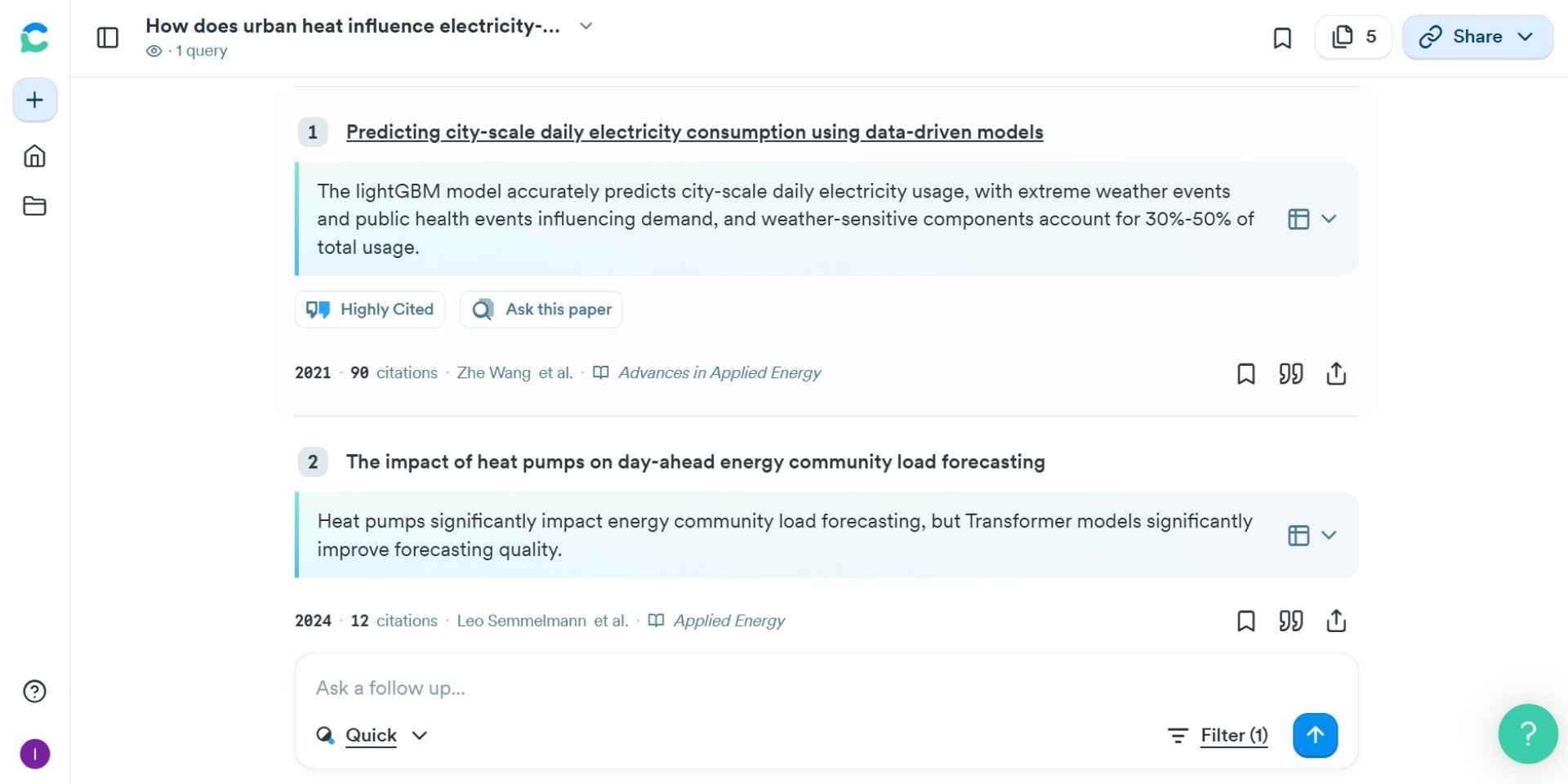
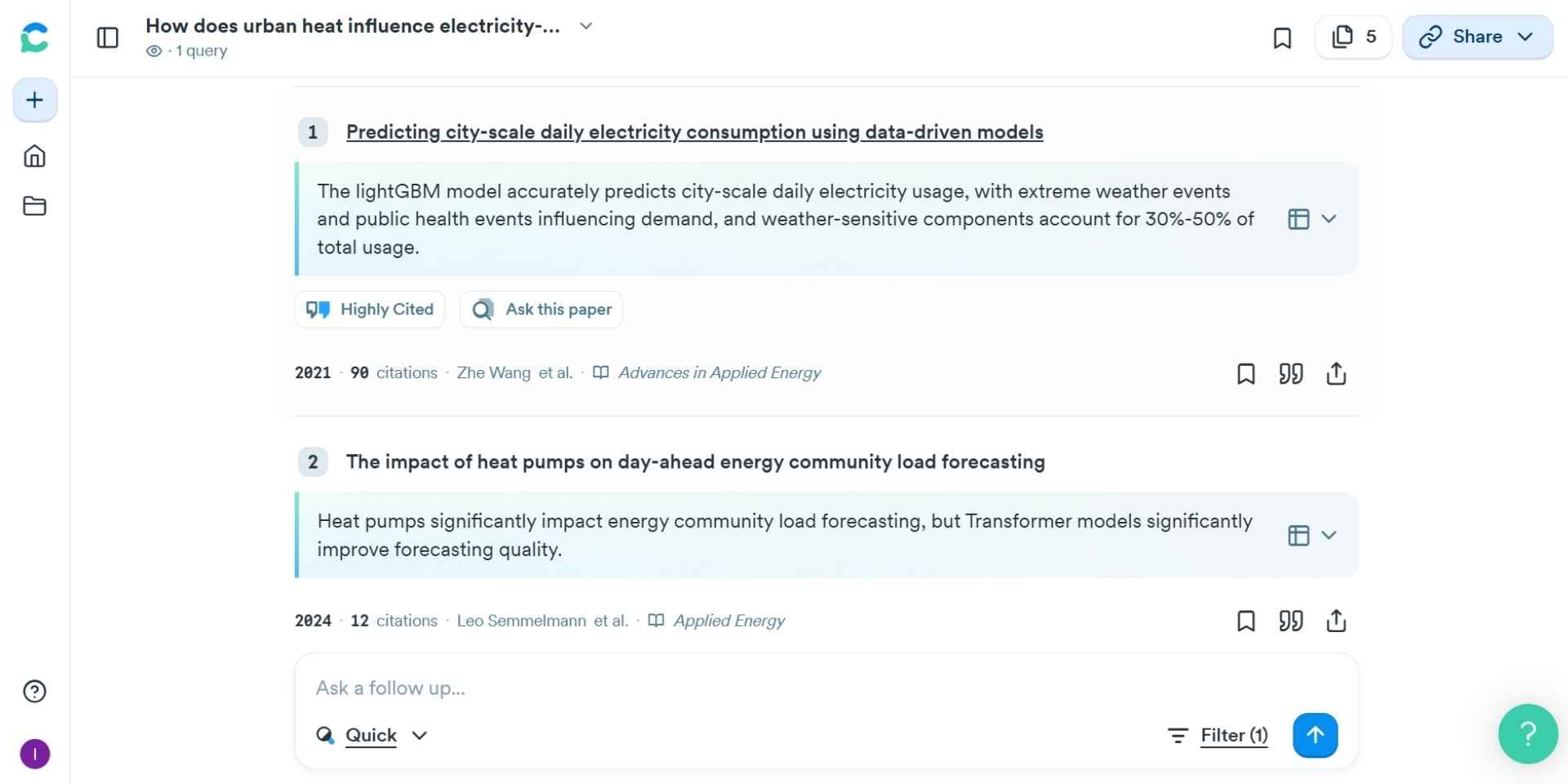
Consensus is a science-focused search engine that distills key findings from peer-reviewed research into short, cited answers. It is built to identify scientific consensus and evidence strength from a large corpus of over 200 million papers. With features like Pro Analyses and Ask Paper, it helps researchers get factual, concise insights with linked sources.
Key Features
Feature
Description
Consensus Engine
Search research questions and get top evidence-based findings
Pro Analyses
In-depth breakdown of multiple studies and agreement level
Ask Paper
Chat with individual papers to extract insights
Research Quality Indicators
See metrics like sample size, journal quality, and study type
Custom Lists and Snapshots
Organize findings and save visual summaries
Pros
Fast evidence-based answers from peer-reviewed literature
Simplified interface for quick insights
Bookmarking and sharing tools built-in
Cons
Does not support full literature reviews or writing
No PDF uploads or citation management
Limited customization beyond pre-set features
Best ForUsers who want fast answers to research questions with source transparency and scientific consensus.
Pricing
Plan
Price
What’s Included

Free
$0/month
10 Pro Analyses, 10 Snapshots, 10 Ask Paper chats/month

Premium
$11.9