



















How to Format Content Using Markdown
Markdown is a lightweight formatting language that simplifies adding structure and style to text. Below are key guidelines to help you create clean, readable content:
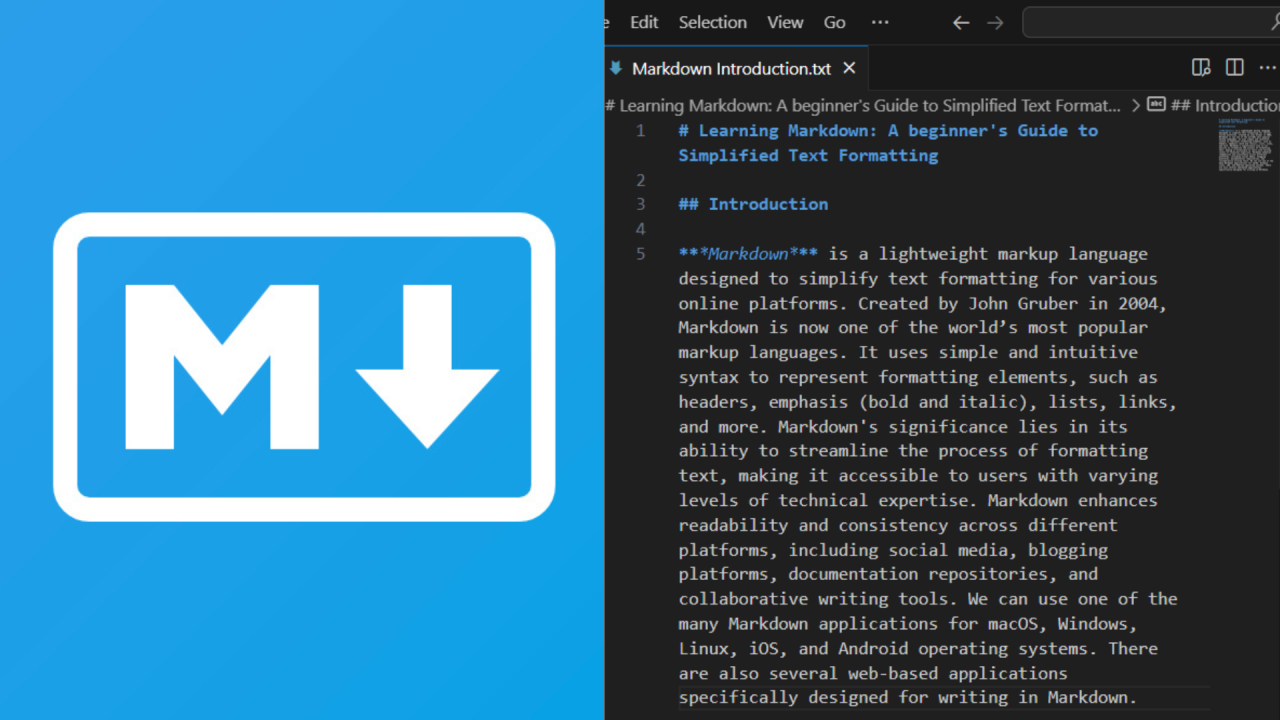
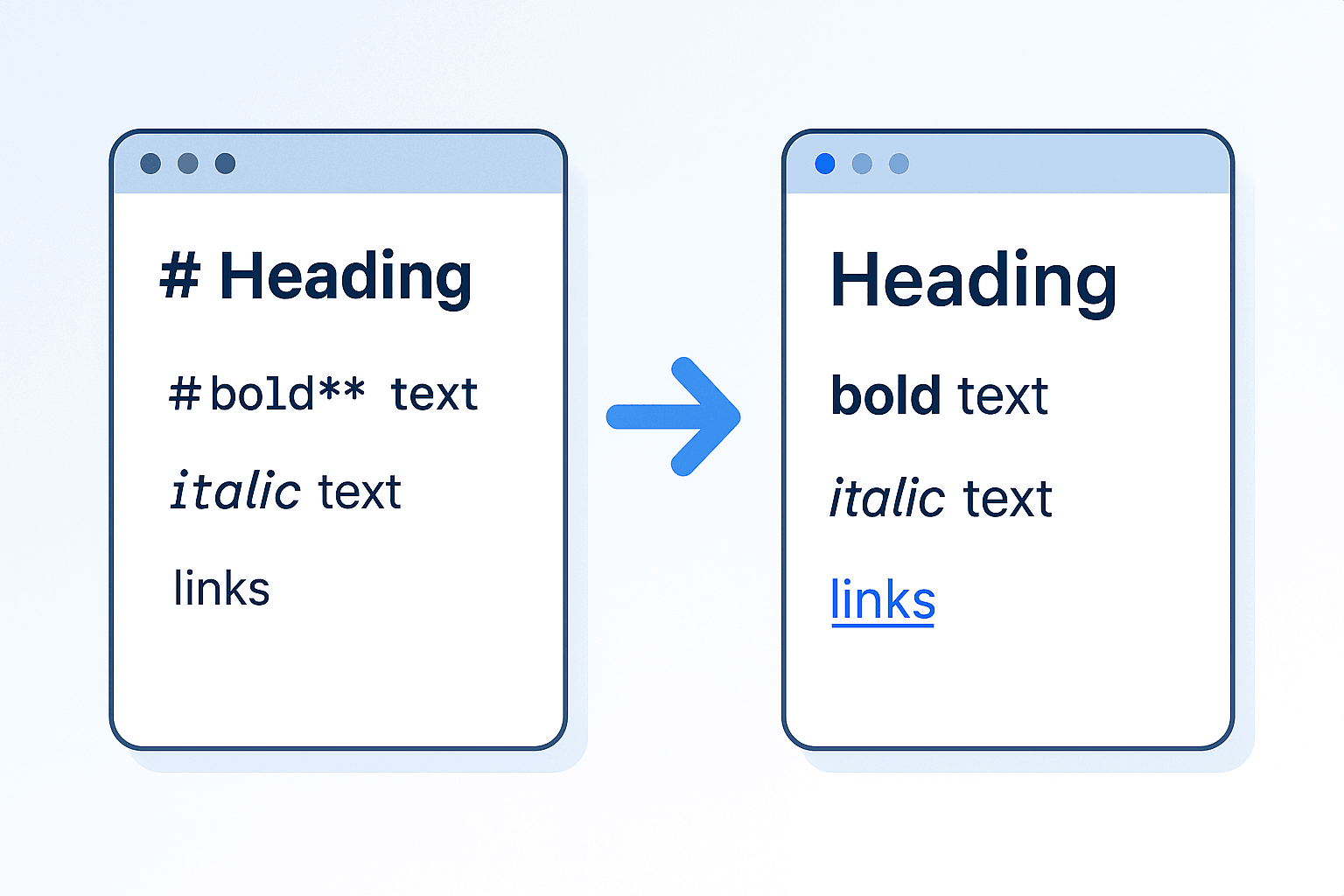
Headings: Use number signs (#) to define headings. The number of signs indicates the heading level—for example, ## for subheadings and ### for sub-subheadings. This hierarchy helps organize your content logically.
List Items: Start unordered lists with a dash (-). This format is ideal for breaking down ideas or steps into easy-to-scan sections.
Emphasis: Wrap text in asterisks (*) to add emphasis. For bold text, use two asterisks (**), and for italicized text, use one (*). For example: **bold** becomes bold, and *italic* becomes italic.
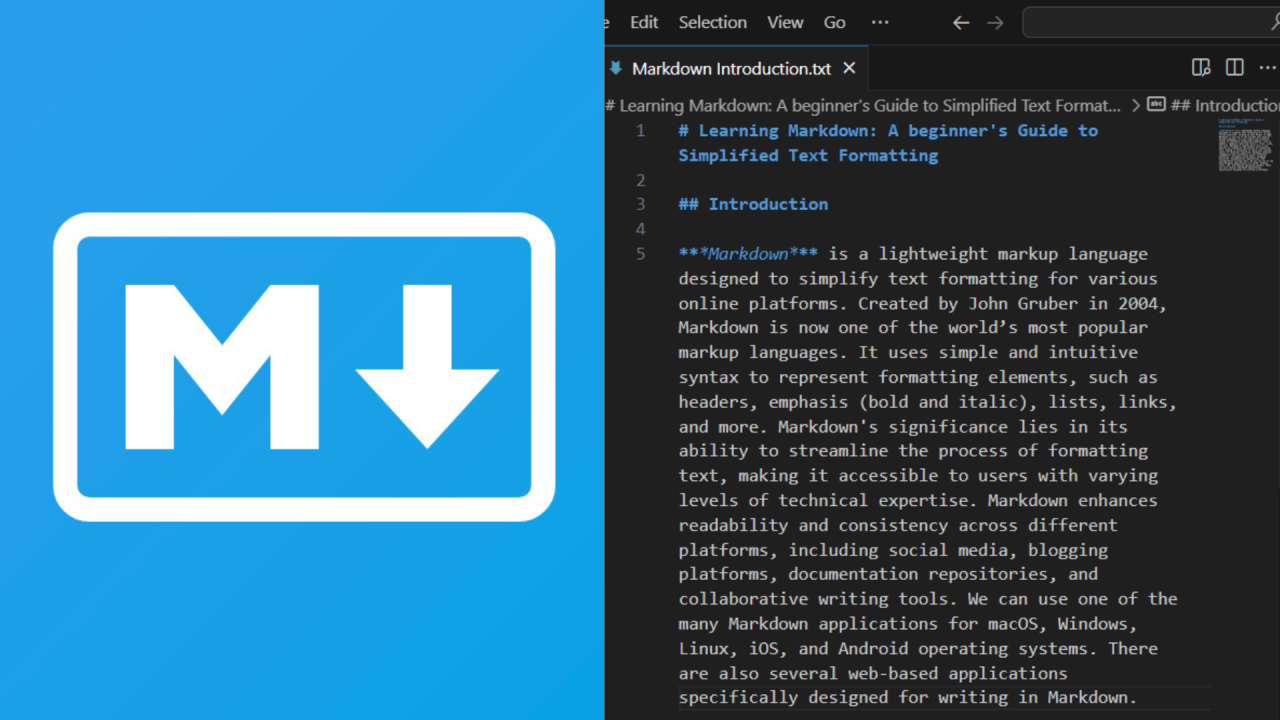
Code/Commands: Surround code snippets, commands, or technical terms with backticks (““). This distinguishes them from regular text and improves readability. For instance:print(“Hello, World!”)` is a clear code example.
Quoted Text: Use greater than signs (>) to denote quoted text. This is useful for highlighting excerpts, citations, or user input. For example: > This is a quoted sentence becomes:
This is a quoted sentence
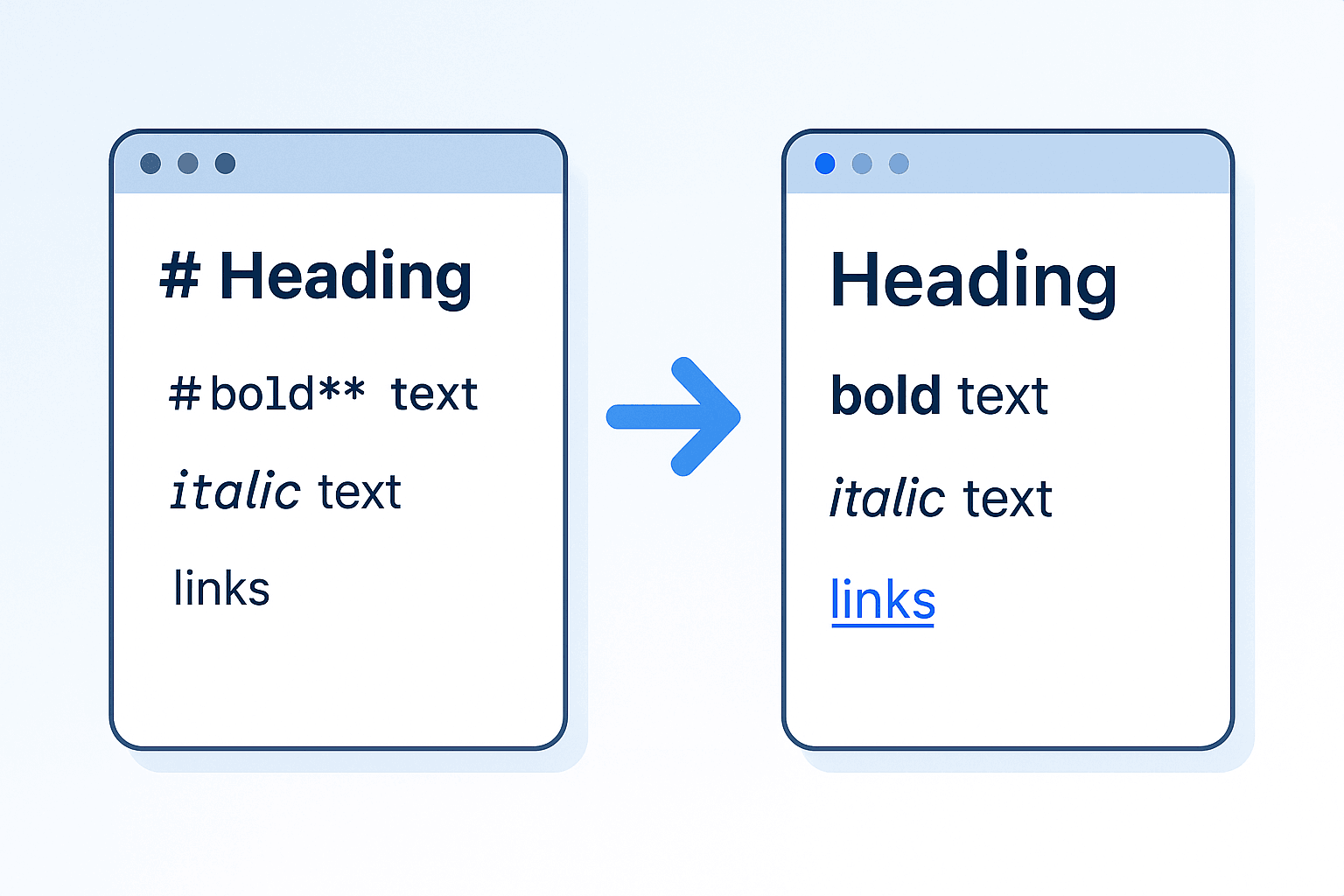
Links: Format links by placing the display text in square brackets ([]) followed by the URL in parentheses (()). For example: [Example Link](https://www.example.com) creates a clickable link: Example Link.
Images: Similar to links, use square brackets for alt text (a brief description of the image) and parentheses for the image URL. For example: [A sunset over the ocean](https://www.example.com/sunset.jpg) embeds an image with descriptive alt text.
By following these guidelines, you can create consistent, professional-looking content that is easy to edit and share.